Anker 735 vs 100W Smart Display: when the extra $40 makes sense
Both charge one laptop. Add a phone and the useful difference becomes 45W versus 70W.

| Configuration | Anker 735 A2667 | Anker 100W / B121B bundle |
|---|---|---|
| One USB-C device | 65W maximum | 100W maximum |
| Both USB-C ports | 45W + 20W | 70W + 30W default |
| All three ports | 40W + 12W + 12W | 80W + 12W + 7.5W |
| Shown US price, Sep 7 | $29.99 | $69.99 |
The extra $40 buys something useful only if your setup needs it. A display on the charger is easy to notice. The difference between 45W and 70W on the laptop port is easier to miss, and often matters more.
Buy the 735 for a straightforward one-laptop job
The Anker 735 Nano II lists up to 65W on either USB-C port when used alone. If your computer supports and needs no more than that, start here. Its listed dimensions are 1.50 × 1.15 × 2.60 inches. You are paying for a relatively small three-port charger, not a promise of 65W on every socket at once.
It also suits a two-device arrangement whose primary-port budget is 45W or less. Do not upgrade solely because a larger number sounds safer. Check your computer's supported charging profile and normal workload before deciding what budget to retain.
Buy the 100W model when shared charging matters
With two USB-C devices connected, the 735's published split is 45W + 20W. The 100W Smart Display model's default split is 70W + 30W. If keeping 65W available to your laptop while charging a phone is the requirement, the second configuration covers it and the first does not.
The larger model's current US page identifies the B121B cable bundle, despite A121B appearing in the URL. Its dimensions are 2.72 × 2.17 × 1.34 inches. The listed $69.99 versus $29.99 price gap is $40 before any checkout code, tax or shipping, so compare the complete package.
Do not build your decision around 95W + 5W
The 100W model has a conditional low-power-device mode. That does not promise 95W beside every phone. The comparison above uses the default published rows, with the special mode left out.
If neither configuration meets your budget, keep the laptop on a separate charger or look for a different simultaneous-output table. These are port maximums from documentation, not our measurements of charging speed, heat or reliability.
Before you decide
Will 100W always charge faster?
No. A laptop that cannot use the additional supported power will not gain speed just because the charger has a larger rating.
Does the price comparison include the same accessories?
No. The current US 100W page identifies a B121B cable bundle. Compare included items and checkout totals.
Check the product and full package
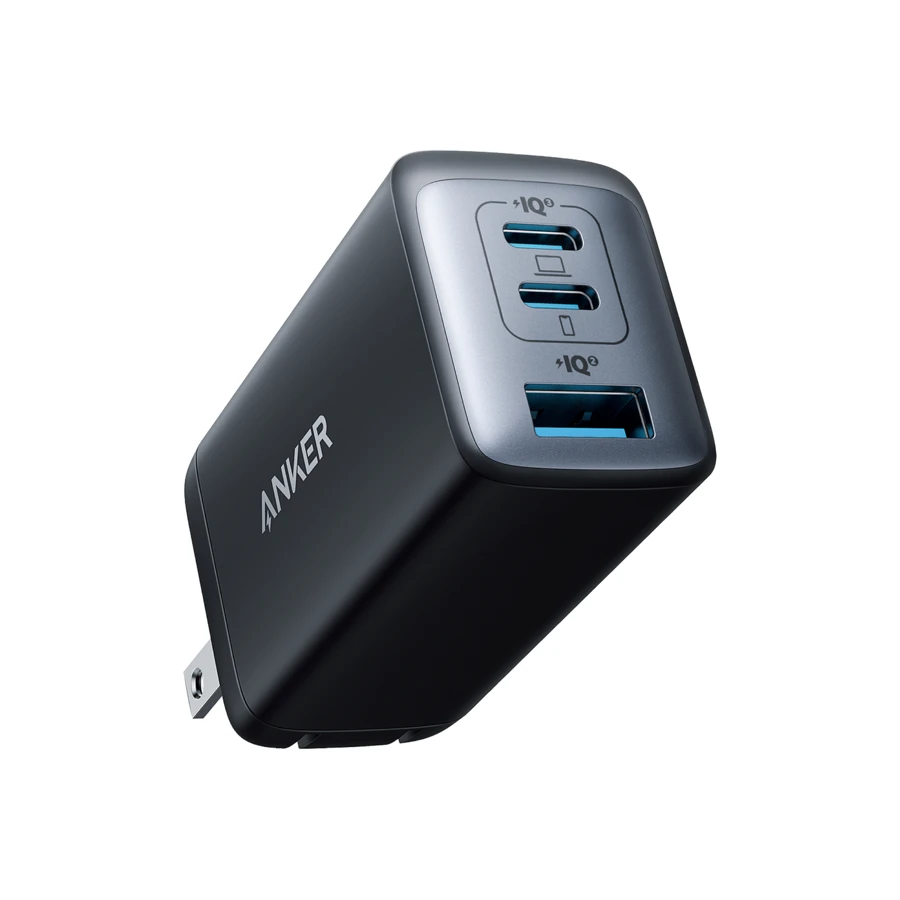
Compare this model’s published output with the setup above.
A2667 · Price checked Sep 7, 2026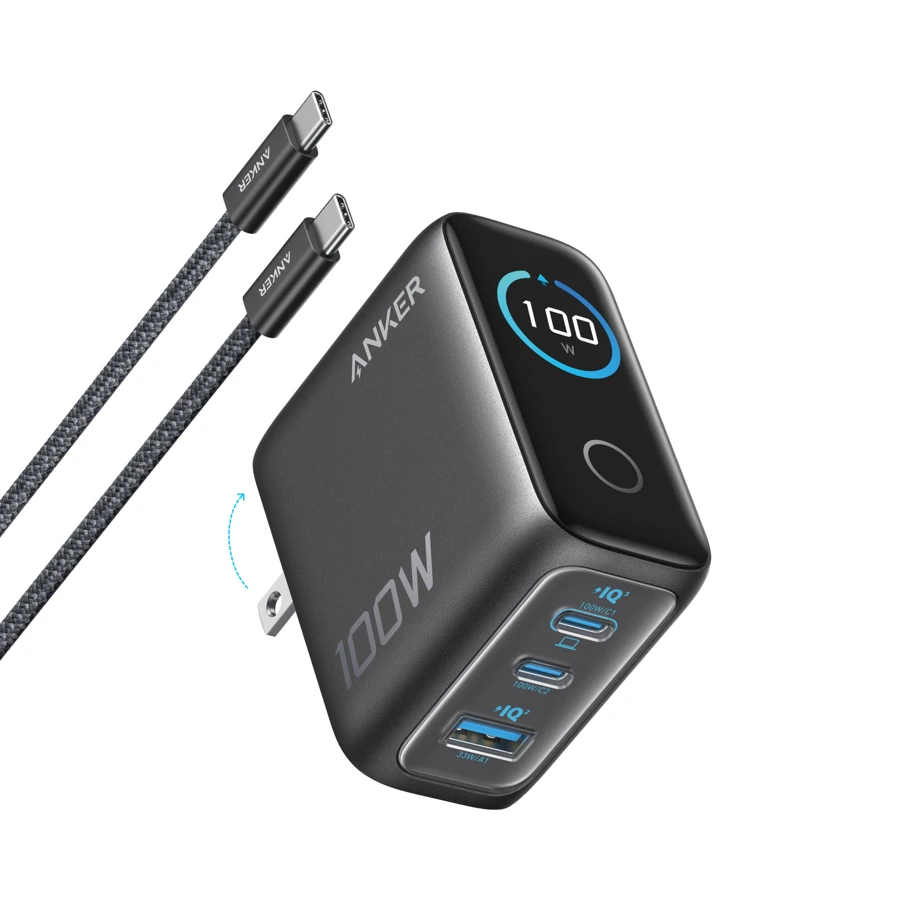
Compare this model’s published output with the setup above.
B121B cable bundle · Price checked Sep 7, 2026Retailer prices and terms can change. These links currently earn no commission. Product images are provided by the manufacturer or retailer.