Same charger, wrong port: why an Anker 735 can drop from 40W to 12W
With USB-A occupied, moving the laptop cable from C1 to C2 changes the published allocation.

| Ports occupied on A2667 | Published allocation | Buying implication |
|---|---|---|
| C1 + C2 | 45W + 20W | Use this row for two USB-C devices |
| C1 + USB-A | 40W + 22.5W | C1 retains more laptop-port capacity |
| C2 + USB-A | 12W + 12W | A different pair, a very different budget |
Before buying another charger, look at which socket you are using. On this particular three-port model, changing the pair of occupied ports can matter more than replacing the USB-C cable with a higher-wattage one.
Read the tiny labels first
Identify C1, C2 and USB-A on the Anker 735, model A2667. When a USB-A device is connected, the published C1 pairing retains 40W, while the C2 pairing lists only 12W on that port. That is a 28W difference in the documented maximum. It is not a claim that moving the cable will make every laptop draw 28W more.
If your current computer needs more than either arrangement offers, changing ports will not finish the job. But if the wrong pairing created the shortfall, knowing the table may avoid an unnecessary purchase.
Photograph your intended configuration
Make a note of the devices that will stay connected together. Match that combination to one row in the manual. Do not add individual single-port ratings together: they describe separate operating cases.
Keep the table and exact model number with your buying notes. Accessories with almost identical names can have different allocation rules. A seller's answer that only repeats “65W charger” leaves the important question unanswered.
Ask a question the seller can actually answer
Specify the model, ports and computer budget: “With C1 and USB-A occupied, what power profiles can C1 provide?” If the seller cannot produce the relevant manual, choose a product whose documentation makes the arrangement clear.
A higher-rated charger becomes worth comparing when your preferred device combination exceeds the useful row, not simply because one charging session seemed slow. Battery state, workload and negotiated profiles can also change what you observe.
Before you decide
Does plugging into C1 guarantee 40W?
No. It is the documented maximum for that configuration; the device still negotiates what it can use.
Can I use this table for another Anker charger?
No. Match the exact model number and its own manual.
Check the product and full package
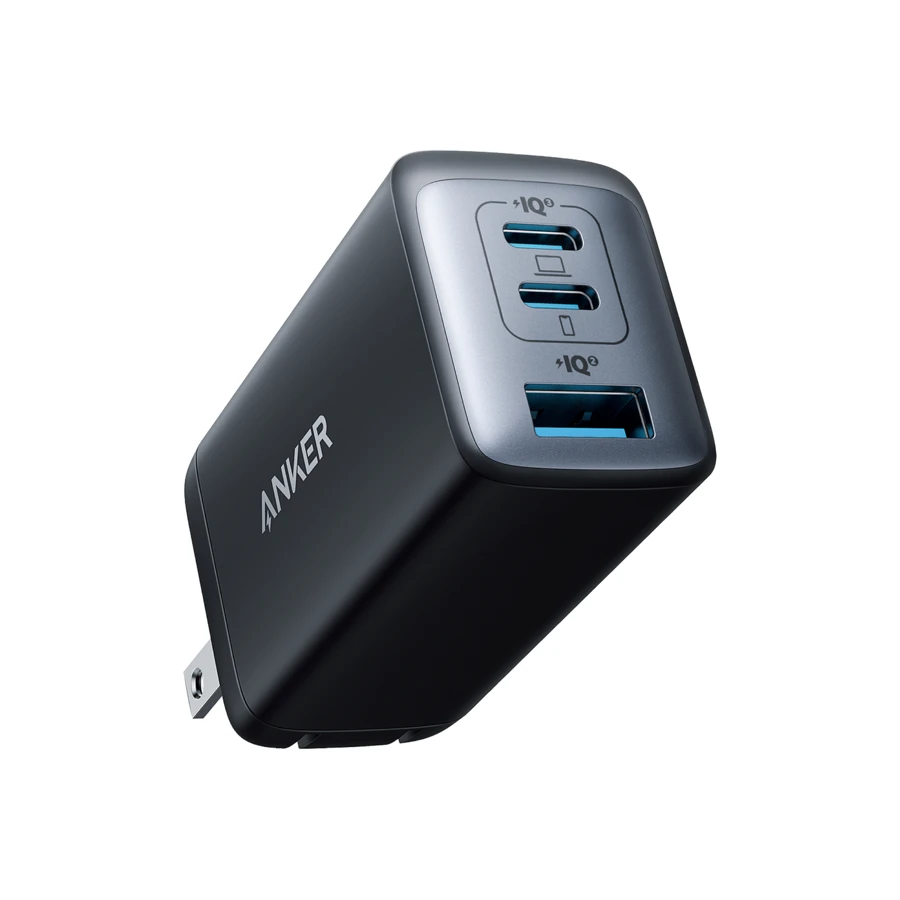
Compare this model’s published output with the setup above.
A2667 · Price checked Sep 7, 2026Retailer prices and terms can change. These links currently earn no commission. Product images are provided by the manufacturer or retailer.