In this story
If you want to leave your phone at home when you go for a run, a cellular Apple Watch deserves a place on your shortlist. But before buying the watch, you still need to confirm whether your number and service plan support standalone connectivity.
The problem is that a cellular model doesn't become independently connected just because you bought it. It requires a carrier plan, and whether that plan can be activated, how to activate it, and how much it costs all depend on which carrier you use and what type of account you have. Service eligibility should not be inferred from the watch's hardware specifications alone.
First, confirm whether your account can activate it
Apple's support documentation is clear: your iPhone and Apple Watch must use the same carrier, and when setting up cellular, you must be within that carrier's network coverage [2]. This is a hard requirement for standard paired users.
A few situations that commonly get stuck:
Prepaid accounts are currently not supported. Some older accounts are also not supported. Enterprise or corporate-managed cellular plans require checking with your company or carrier first about whether this feature is supported [2]. If you're not sure what type of account you have, the most direct approach is to call carrier customer service, provide your account information, and ask: "Can my number activate cellular for an Apple Watch?"
There is one exception: a watch set up through "Apple Watch For Your Kids" can use a different carrier than the iPhone [2]. But this feature is only available in certain countries and regions, and setup in mainland China also requires identity verification under local regulations [2].
So the first step isn't choosing a case size or picking a band color—it's confirming carrier eligibility. If this step fails, everything after it is moot.
Once independently connected, battery life changes
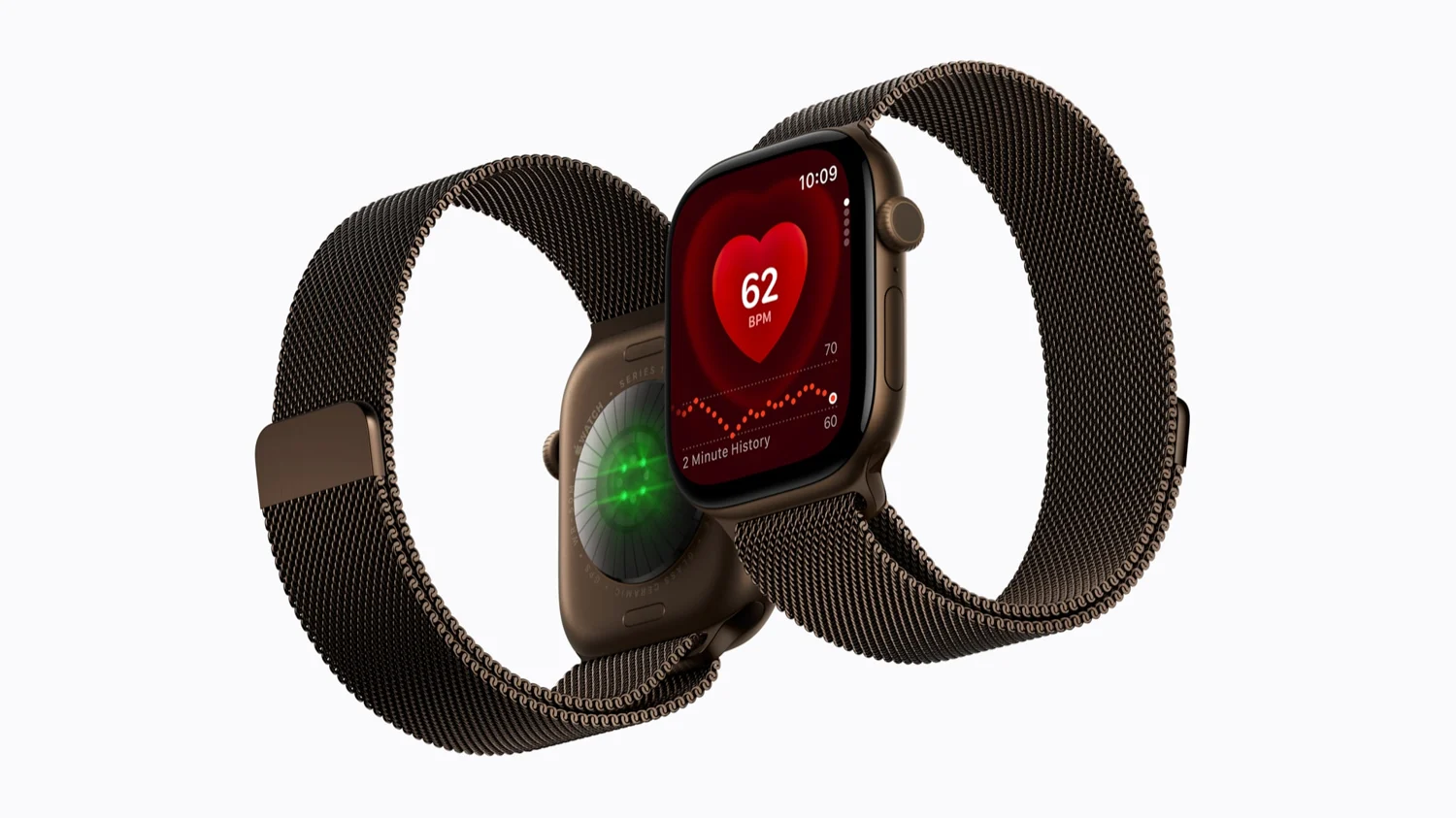
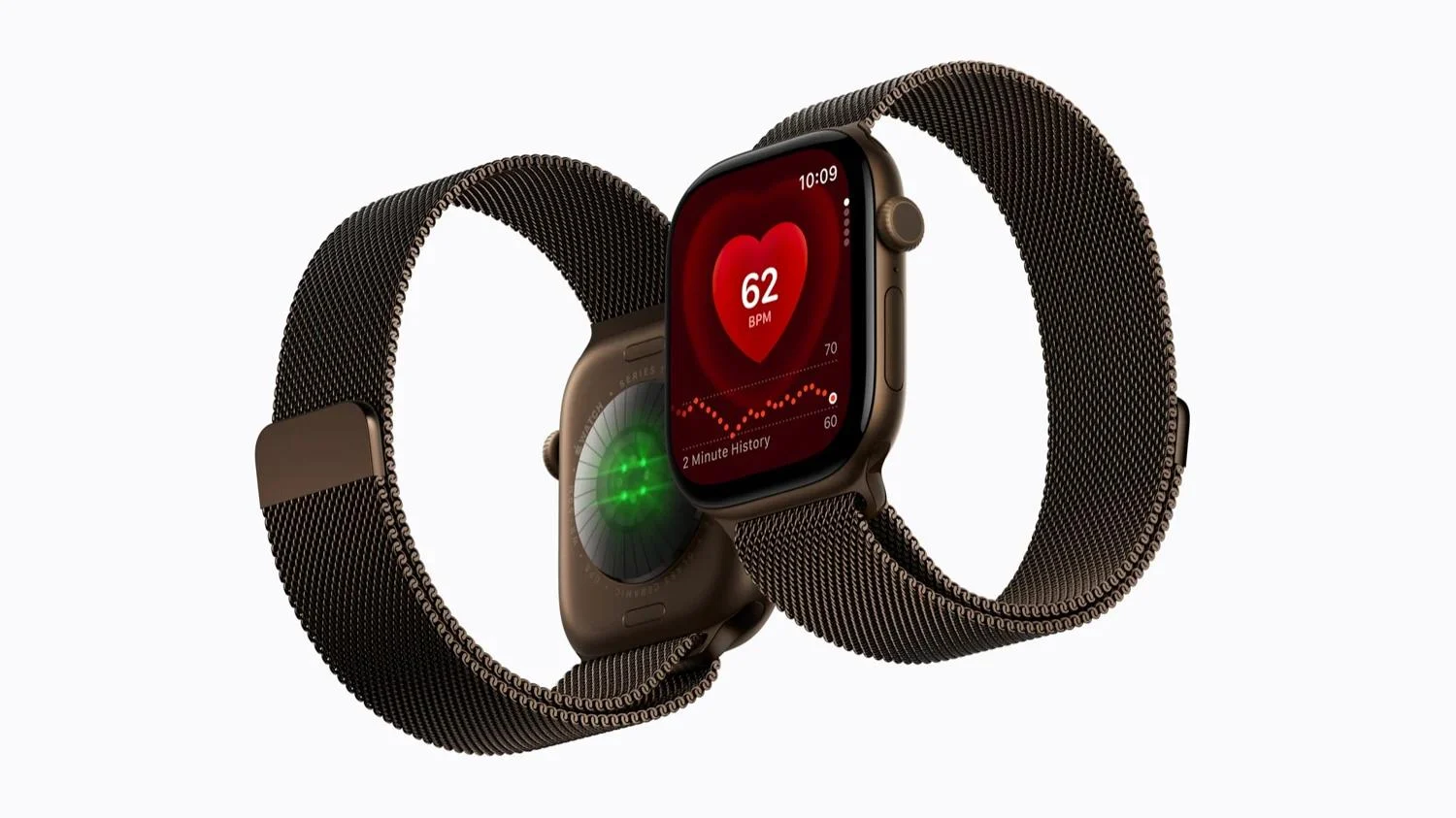
Apple's official battery test for Series 12 works like this: the GPS + Cellular version, over 24 hours, has a total of 4 hours connected to cellular, with the remaining 20 hours connected to iPhone via Bluetooth [1]. In other words, that "up to 24 hours" figure is mostly the watch leaning on the phone.
Apple itself also states in its support documentation: turning on cellular for extended periods uses more battery power, and some apps might not update without a connection to your iPhone [2].
This isn't to say cellular battery life will definitely collapse—it's to say that if you plan to use it independently for several hours a day, actual battery life may differ from the official 24-hour figure. How much it differs depends on signal strength, which features you use, and carrier network conditions. There are too many variables for a fixed answer.
Apple lists making calls, replying to messages, and receiving notifications away from iPhone as cellular service uses, but also notes that some apps may not update without the iPhone [2]. The features you plan to use should be verified against the requirements of the corresponding apps. You can't extrapolate a full day's battery life from one short run, and you can't treat one person's usage time as a fixed answer for everyone.
Can you buy the watch first and activate later?
Yes. Apple supports activating cellular during initial setup, and also supports adding it later in the Watch app on iPhone [2]. You don't need to purchase a carrier plan at the time of ordering.
But "you can activate later" doesn't mean "you can activate anytime." Account eligibility, carrier support, and whether there's network coverage where you are—these conditions won't automatically be met just because you waited a few days.
A few other things that are easy to misunderstand:
Removing the cellular plan from the watch does not guarantee the carrier subscription is also cancelled. Apple's documentation explicitly states you might need to contact your carrier to cancel the subscription, and carrier fees may apply [2]. In other words, deleting the plan on the watch and stopping billing on the carrier side are two separate things.
Transferring a plan to a new watch depends on the carrier. Some carriers allow direct transfer in the Watch app; if you don't see a transfer option, you'll need to contact your carrier [2].
International roaming requires carrier support for VoLTE and roaming services, with coverage determined by the carrier [2]. Also, cellular Apple Watch models come in three regional versions—Americas, mainland China, and Europe/Asia Pacific—and there is no worldwide model that covers all bands [2]. Watches set up through "For Your Kids" do not support international roaming [2].
One clear counterargument
If your phone is basically always with you when you run, or you're used to carrying it in a waist pack or armband, and you have no other need for connectivity away from the phone, then the benefit of standalone cellular service may be small. The extra hardware cost and possible monthly carrier fees buy you only a "just in case I forgot my phone" insurance policy. Whether that insurance is worth it depends on your tolerance for "just in case."
Apple's compatibility notes state: Series 12 requires iPhone 11 or later, including SE (2nd generation or later), with iOS 27 or later [1]. But basic pairing working doesn't mean all Apple Intelligence features work. Don't conflate these two things.
So before buying, make one phone call to your carrier and ask three things: Can my account type activate it, how much per month after activation, and how do I cancel. These three answers are more direct than any review.
Several judgments before and after activation should be made separately
When asking your carrier, first confirm whether the specific model and purchase region are within the supported range, then ask about the plan type associated with your existing number. Getting only "Apple Watch is supported" is not enough to establish that your account, this watch, and your planned usage region all meet the conditions. If it's a corporate-managed number, also confirm who has authority to request the add-on service and whether the company permits it. Fees should be based on the carrier's quote at the time; this article does not provide unconfirmed monthly fee figures. [2]
For standard pairing, Apple states the iPhone and watch share a number. Sometimes the watch shows a different number—that may just be a billing or tracking number used by the carrier, and you should not conclude from that display alone that you've bought a separate phone line. [2] Family member watch setup is yet another situation, and the number explanation for standard pairing cannot be applied to all family configurations. First clarify who wears it and whether they have their own iPhone, so the carrier can answer for the correct scenario.
After activation, you also shouldn't assume setup failed just because the cellular icon isn't always showing a connection. Apple Watch automatically selects the most power-efficient available connection, including a nearby iPhone, Wi-Fi, or cellular. Apple states that the Cellular button turns green when you have a cellular connection, and turns white when your plan is active but the watch is connected via Bluetooth or Wi-Fi. [2] Service being activated, which network is currently being used, and whether an app can complete its task are three states that need to be confirmed separately.
If you're buying mainly for running, before relying on it formally, you can confirm the contact features you need in a familiar and safe environment. Check actual network coverage, required apps, and remaining battery performance, and note the conditions you used. This process helps you plan charging and carrying habits; it is not a hands-on test by this site, and it cannot guarantee signal on every route. Network conditions at places you frequent are more relevant to your choice than the network generation number in marketing.
There's one more issue that's easy to discover only when you change devices. Carrier service migration and watch data migration are not the same thing. When changing watches, Apple's process includes removing the plan from the old watch, pairing the new watch, and adding the plan during setup; only some carriers support direct transfer. If you don't see the option, confirm with your carrier—don't repeatedly reset the device or assume the original service will follow automatically. [2]
Before cancelling service, it's best to record both the device-side plan status and the carrier-side cancellation result. The former is a setting on the watch; the latter determines whether the subscription stops. Apple specifically notes you might need to contact your carrier to cancel the subscription, and related fees may apply. [2] The value of this information isn't to talk you out of buying—it's to make the total cost of purchase include activation, usage, and exit, rather than looking only at the hardware price difference.
Being willing to pay for occasionally leaving your phone behind is also a reasonable preference. As long as you know which scenarios you're buying convenience for, rather than treating a cellular watch as a full-time phone replacement, it's easier to judge whether it's worth it. For people with no need to be away from their phone, you can hold onto the budget for now; for those who clearly need it and whose carrier conditions are met, the cellular version has a clear purpose. Both choices should be based on specific usage arrangements—there's no need to let "only the high-end model is complete" make the decision for you.
Mentioned in this story
These links lead to official or retailer pages. We currently earn no affiliate commission from them. Check the destination for regional availability, configuration and pricing.
Watch View official specifications ↗