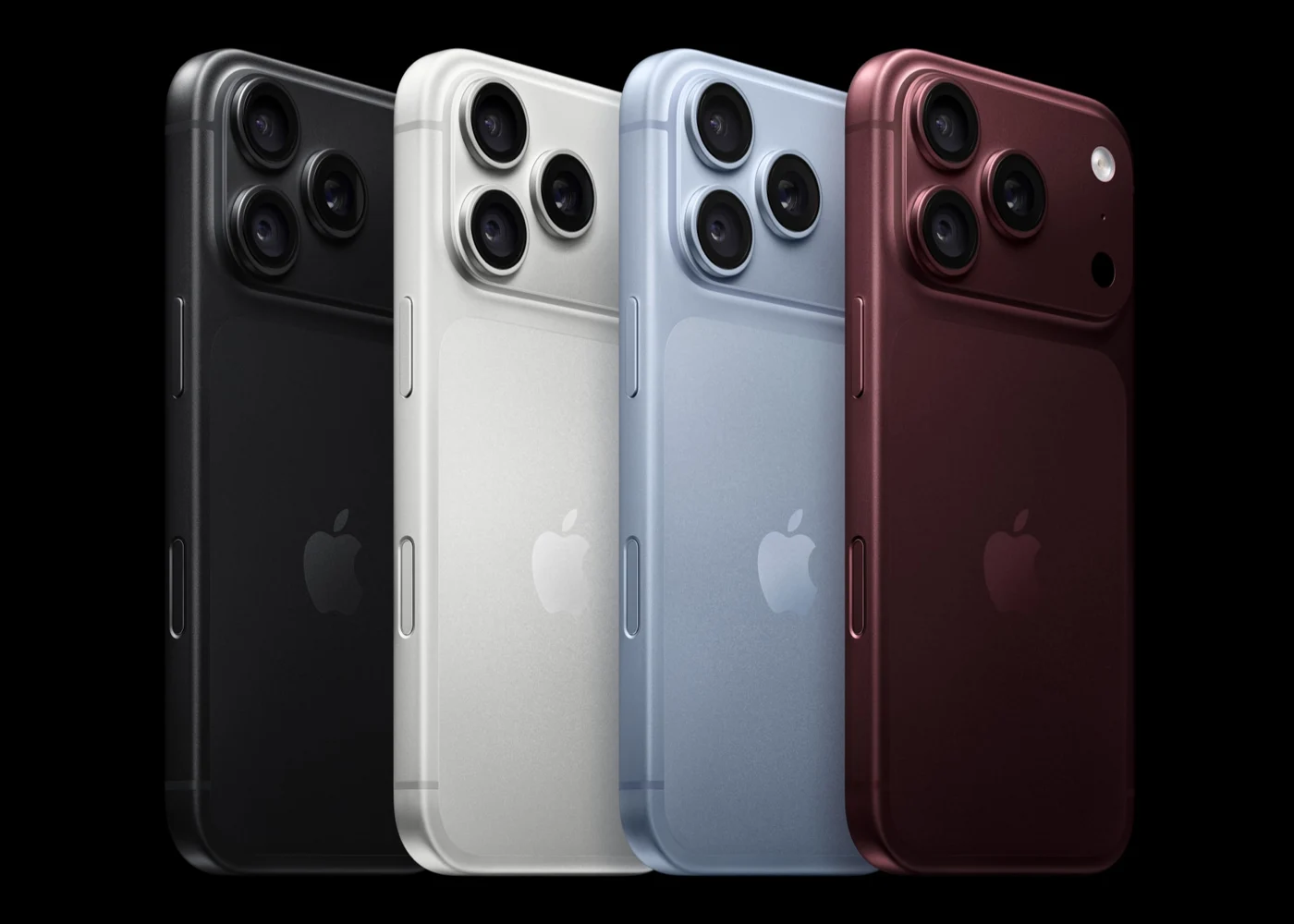
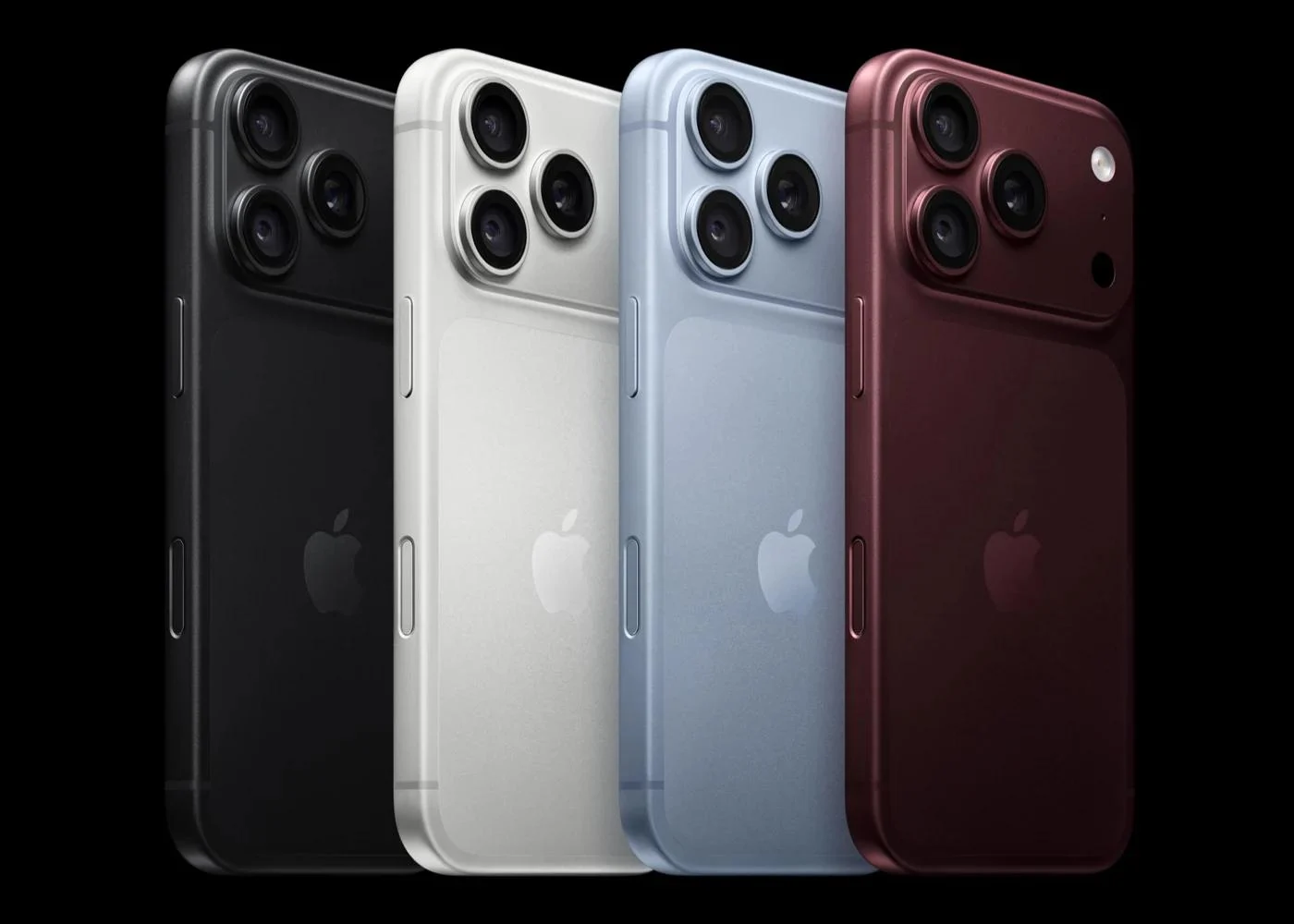
iPhone Your New iPhone Has Arrived: Don't Stall on the Last Step of Data Migration Work out which wait you chose, check the three temporary iCloud backup deadlines, and only then decide when the old phone can be erased.
iPhone Before You Sell Your Old iPhone, Don't Delete Photos by Hand Back up and migrate first, then sign out, erase and unlink trusted devices; deleting photos by hand removes them from iCloud as well.
iPhone Fast iPhone 18 Pro Charging Does Not Mean Fast File Transfers Charging power, AVS and data rates solve different problems. Check your existing equipment first.
Watch A Cellular Apple Watch Still Needs the Right Service Plan Check carrier eligibility, service costs and battery conditions before paying for independent connectivity.
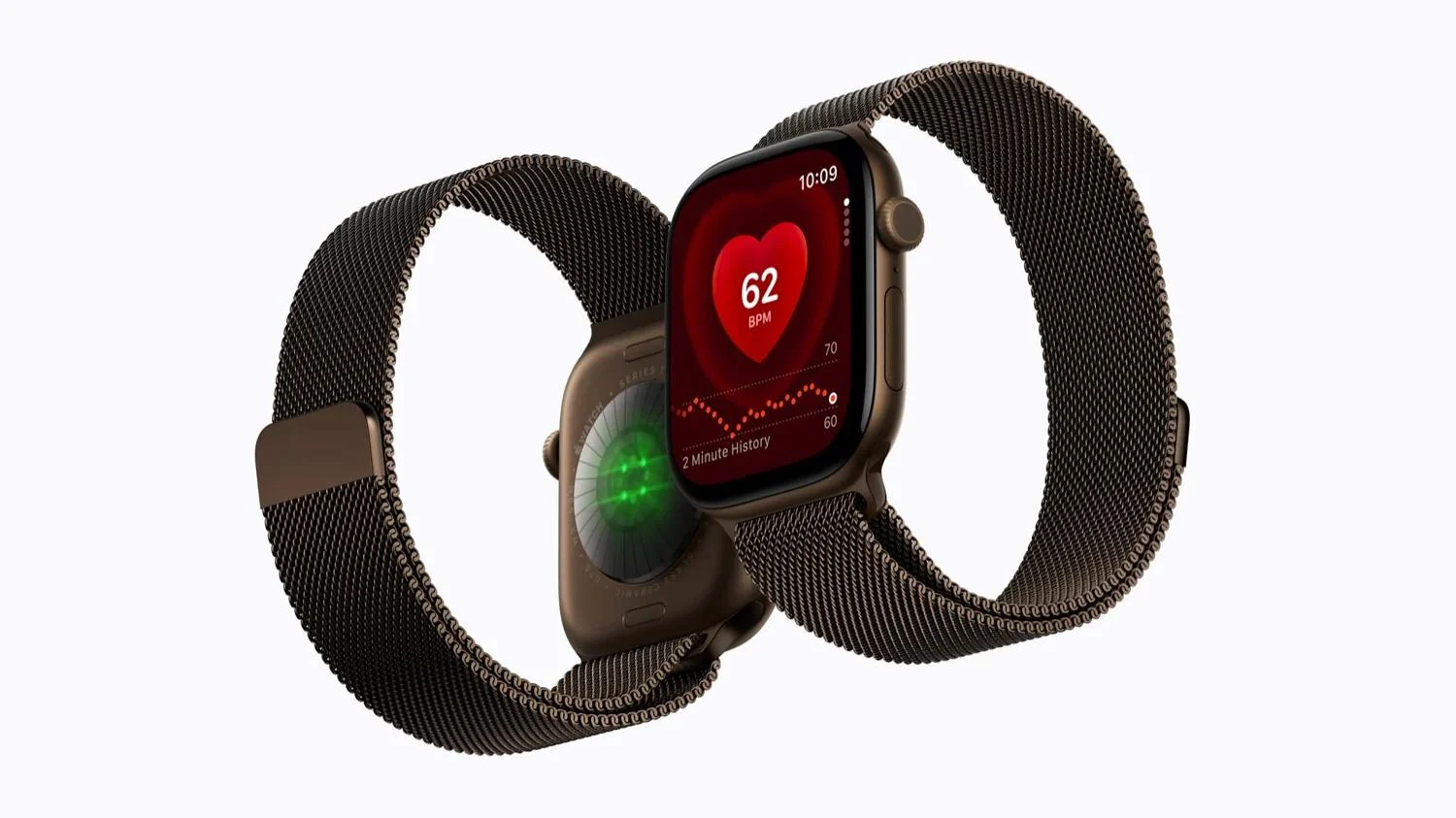
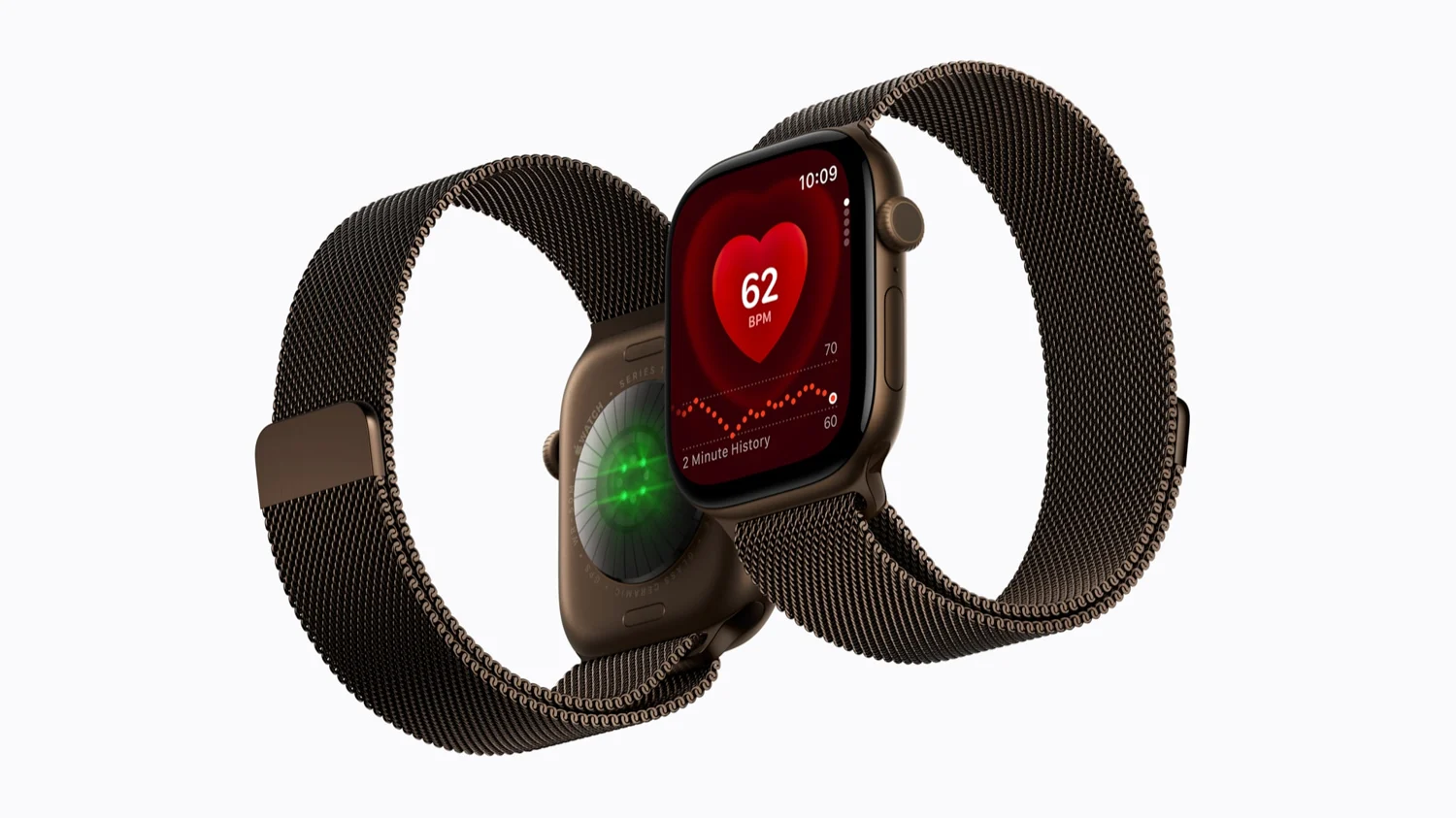
Watch The Ceramic Series 12 Is 1mm Larger. Its Display Is Not. Separate display area, case weight and color before paying for a different material.
iPhone One iPhone 18 Pro, Three Photographic Worlds Use Apple’s new exhibition to study scale, eye contact and narrative before upgrading your camera.
iPhone iOS 27: What Families Should Check Before Replacing an Older iPhone Check family controls, Shared Albums and compatibility before buying new hardware.
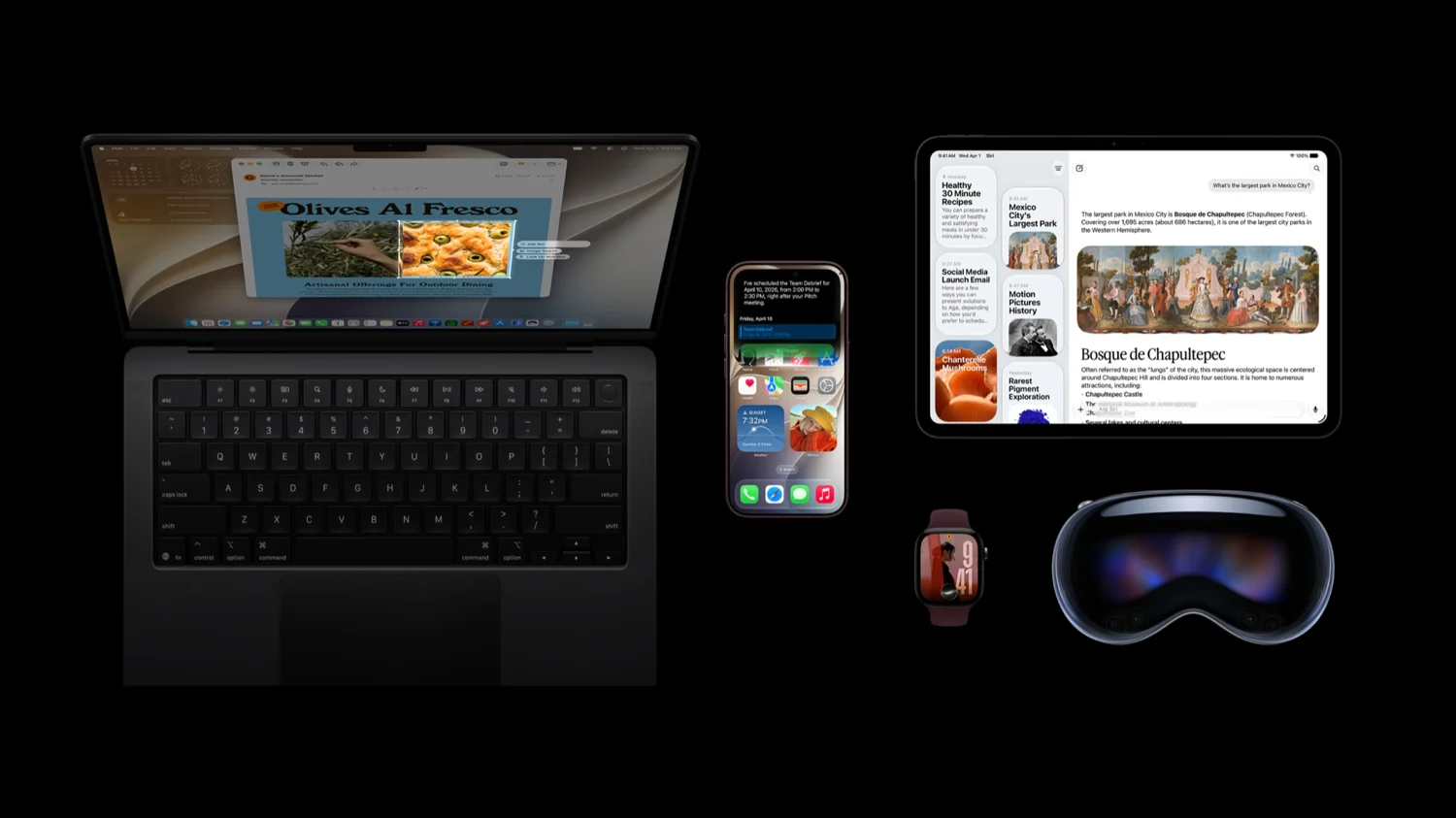
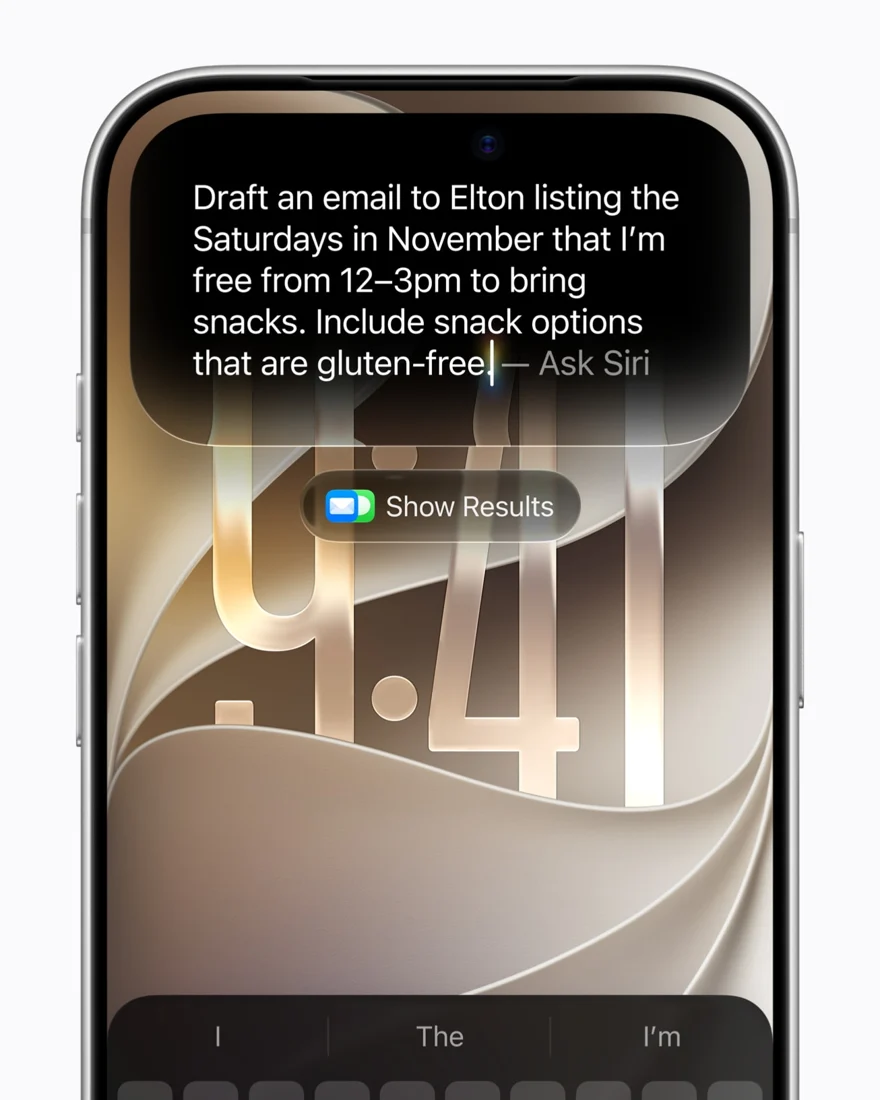
iPhone Siri AI Is Here. Check These Limits Before Buying an iPhone. Language, region, base support and advanced on-device features have separate requirements.
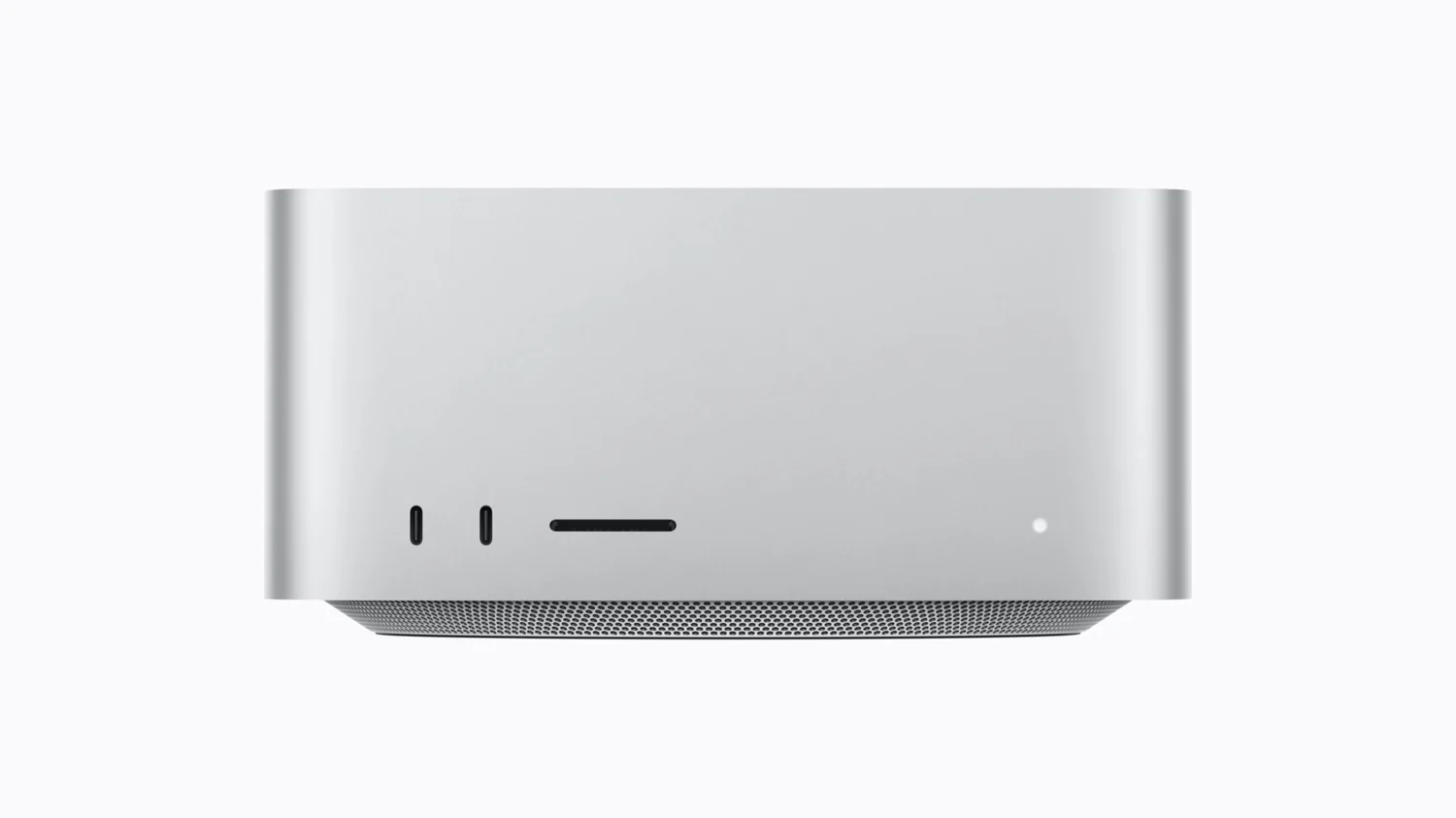
Mac M6 or M5 Pro Mac mini? The Higher Number Is Not Your Buying Guide Compare memory, storage and display combinations before comparing the $899 and $1,699 starting prices.
Mac Should Your Project Wait for the 512GB Mac Studio? Check capacity, software support and the cost of waiting separately. A larger memory ceiling is not a speed guarantee.
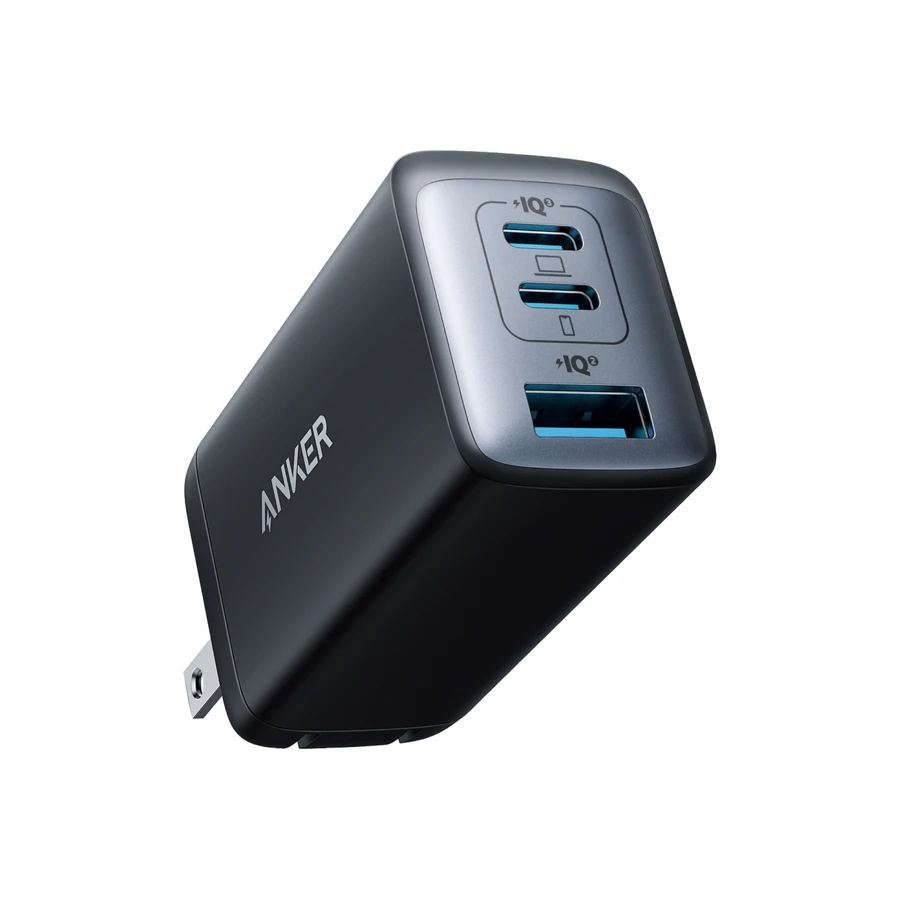
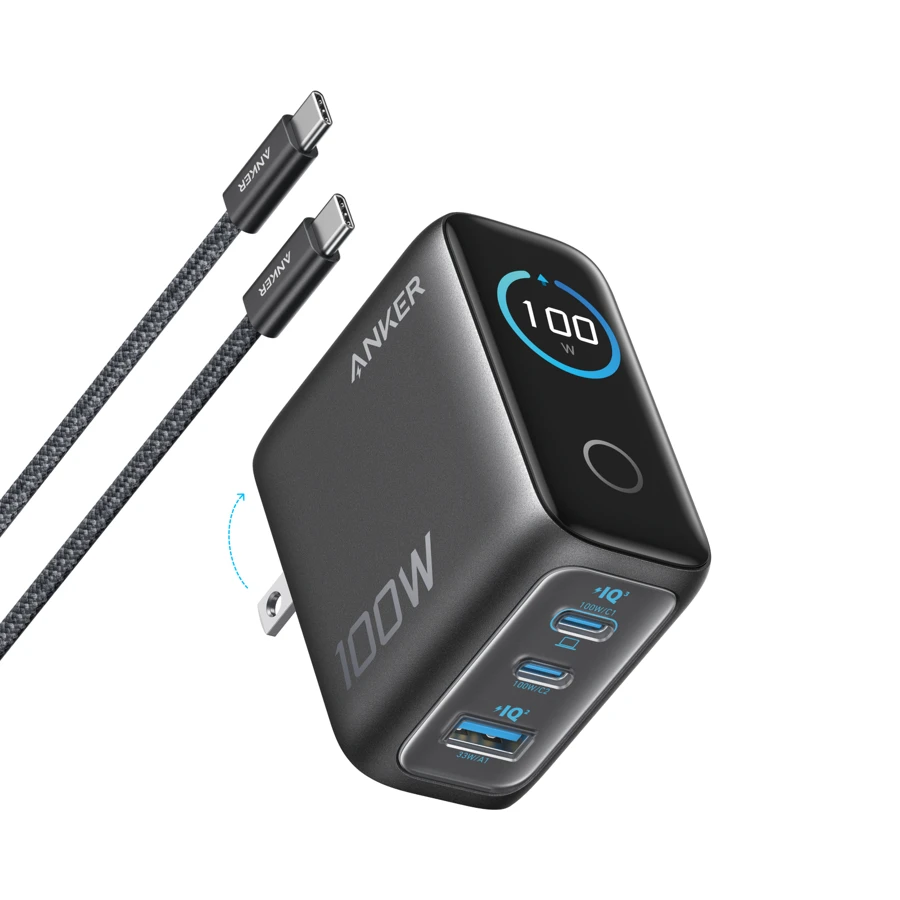
Charging Anker 735 vs 100W Smart Display: The $40 Gap Comes Down to One Number Both handle a laptop. Add a phone, and the laptop port gets either 45W or 70W.
Audio AirPods 5: The $20 Difference Goes Beyond the Charging Case Both models have ANC. Compare stem controls, listening time and charging habits before paying for the higher tier.
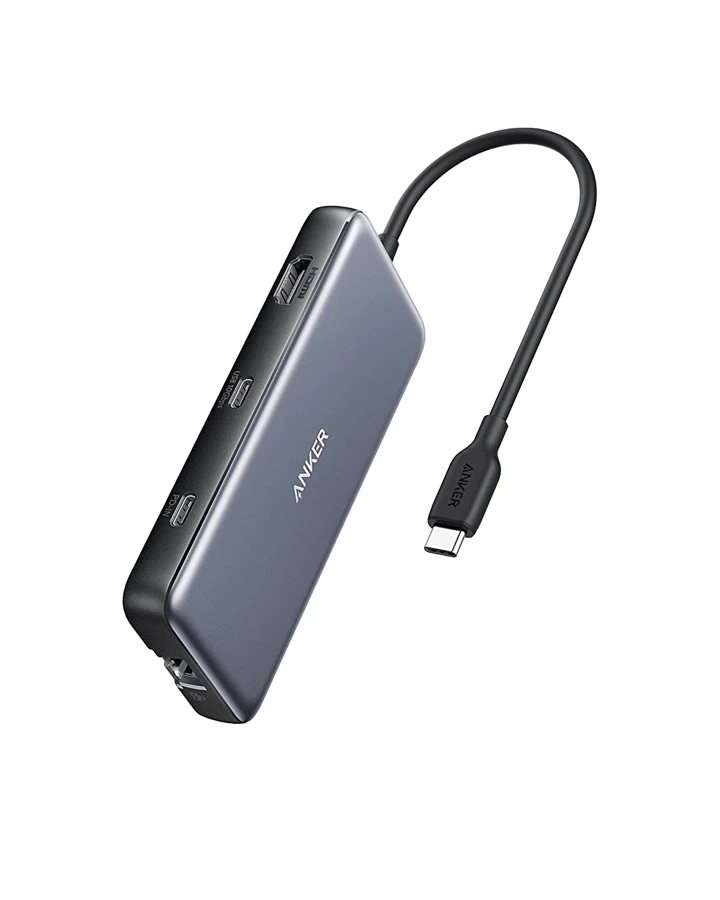
Charging A 100W Hub, an 85W Laptop: Where the Missing Power Goes The Anker 555 manual documents the split clearly, if anyone reads it.
Storage Before You Buy a Faster SSD, Check the Cable in Front of It A 240W charging cable and a 10Gbps hub describe very different data paths.
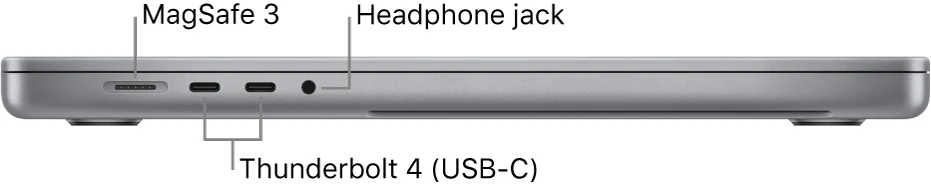
Docks & displays Two HDMI Ports Do Not Mean Two Independent Desktops MacBook Pro external display support depends on the exact chip, resolution, and refresh rate. Socket count alone is a misleading shortcut.
Docks & displays The 4K Adapter Trap: Same Hub, Different Refresh Rate Anker 555 documents two display modes that depend entirely on the host laptop's capability.
Charging Same Charger, Wrong Port: Why an Anker 735 Can Drop from 40W to 12W The two USB-C sockets on the Anker 735 are not interchangeable when USB-A is occupied. A quick look at the port labels can save you from buying a replacement charger.
Buying better A Charger Display Is Useful. It Is Not a Test Result. A live wattage number comes from the product itself. It does not independently verify sustained output, temperature, or long-term reliability. Separate the documented spec from the measured test and the unanswered questions.
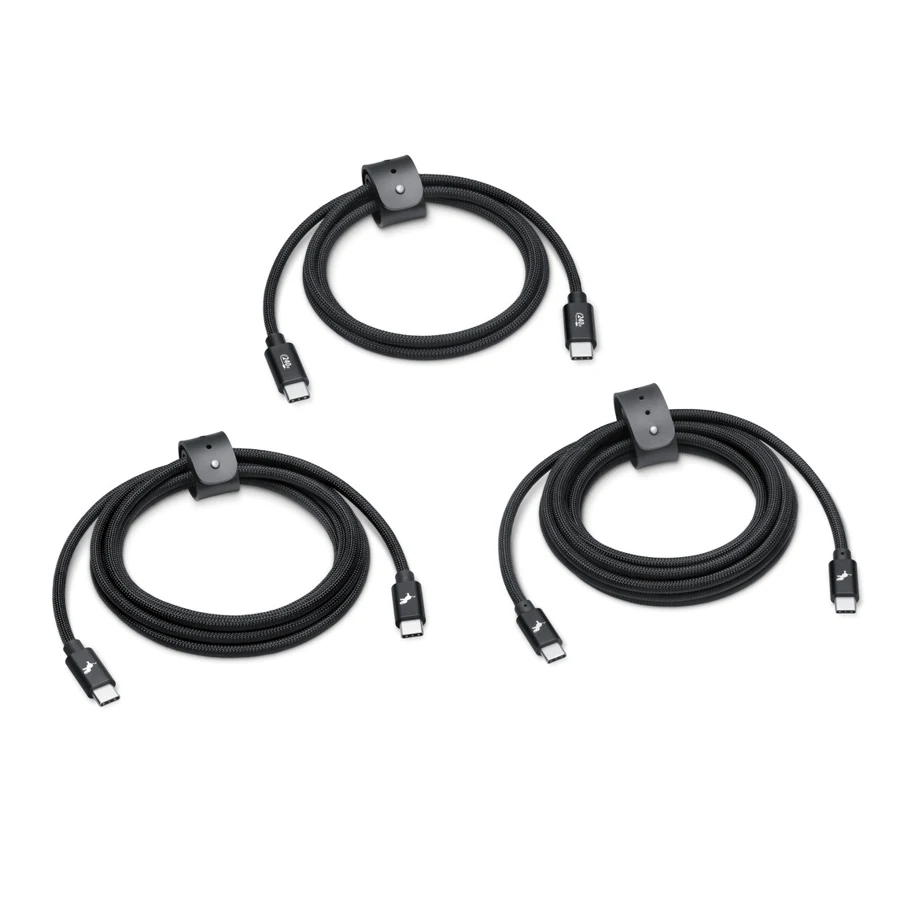
Cables A 240W Cable That Stays at USB 2.0 Speeds The Nimble PowerKnit FLEX pack lists 240W charging and 480Mbps data on Apple’s store. Those two numbers answer different questions.
Docks & displays The Two USB-C Ports on the Anker 555 Do Different Jobs One is for power input, one is for data. Neither handles video output.
Docks & displays Before paying extra for a port, write down what you actually connect every day The spec gap between USB4 and Thunderbolt 4 is real, but whether it justifies replacing a desk setup depends on a more specific question.
Watch Is the Apple Watch Ultra 4’s 50-Hour Battery Worth $799? Normal use, Low Power Mode and workout tracking have different conditions. Start with what charging interrupts before upgrading.
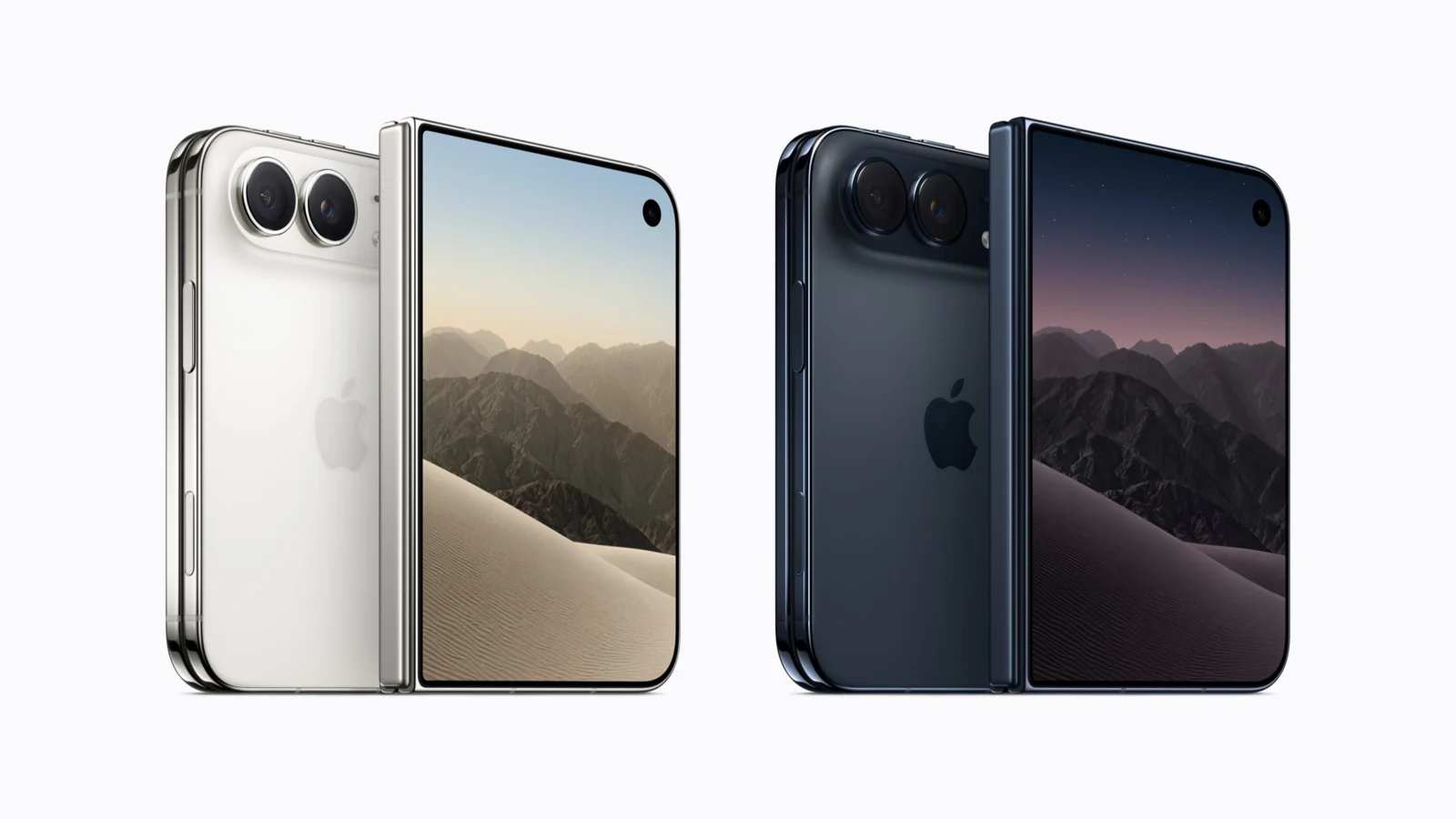
iPhone The iPhone Duo Costs $800 More. What Would You Unfold It For? A bigger screen can be appealing. We weigh the $800 US starting-price gap against everyday tasks, camera trade-offs, portability and app support.
iPhone Before Upgrading to the iPhone 18 Pro, Look at Your Missed Shots Variable aperture, telephoto reach and pro video controls are appealing. Start with what goes wrong in your photos before deciding which upgrade matters.
iPad Do You Need a 1TB iPad Pro? Memory, Project Files, and Backups Compare M5 configuration tiers, Procreate files, external storage and independent copies to decide which upgrade conditions matter to you.
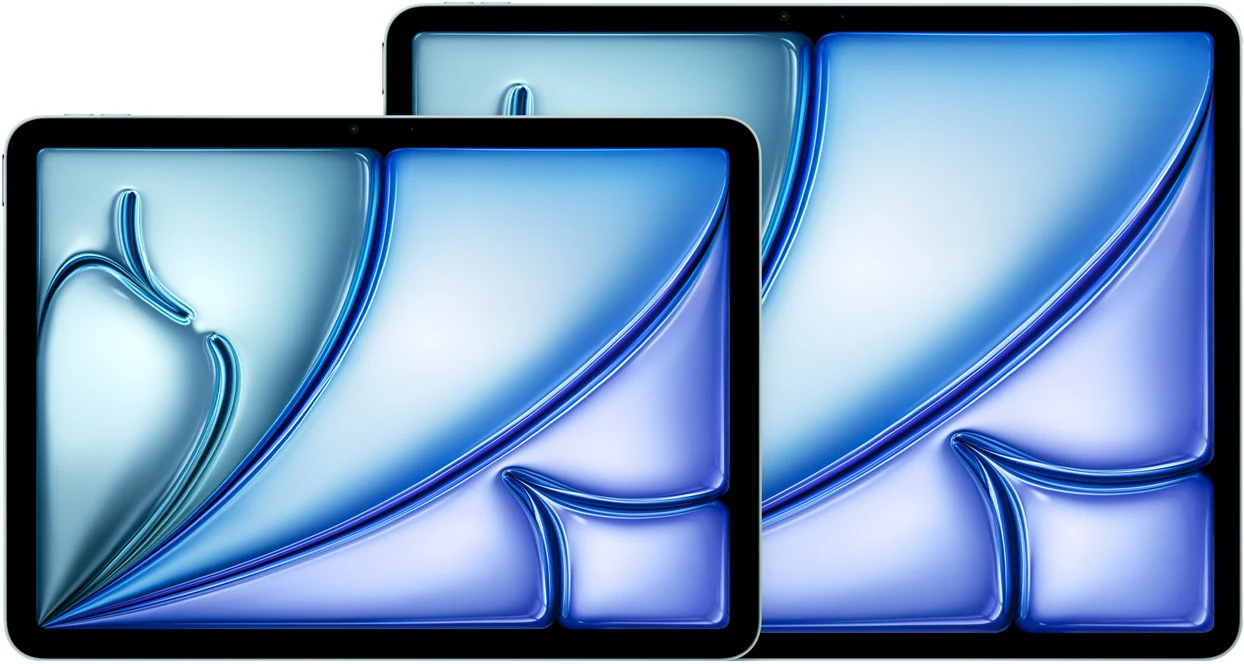
iPad 11-inch or 13-inch iPad Air? Reading, Windows, and Input Space Compare physical dimensions, text settings, window layouts, keyboards and external displays through the tasks you actually perform.
iPad iPad Air or Pro? Choosing the Display, Pencil, Storage, and External Screen Compare M4 Air and M5 Pro through display specifications, weight, accessory compatibility, and the applications you actually need.
Mac 512GB or 1TB for a MacBook? Libraries, Offline Work, and Backups Separate local working files, external libraries, and cloud storage before deciding which kind of convenience to pay for.
Charging Choosing MacBook Fast Charging: Adapters, Cables, Displays, and Hubs A100W label does not verify an entire charging setup. Check the exact Mac, cable and connection against the supported combination.
Mac 24GB or 32GB for Your Mac? Memory, Software, and the Cost of Choosing Tab counts are not a memory requirement, and swap space is not an upgrade formula. A detailed guide to official configurations, memory pressure, browser settings, Docker, and buying trade-offs.
Mac M6 Rumors Are Everywhere—Should You Still Buy a MacBook Now? The Air and Pro pages still list M5 models. Your work deadline matters more than a rumored release date.
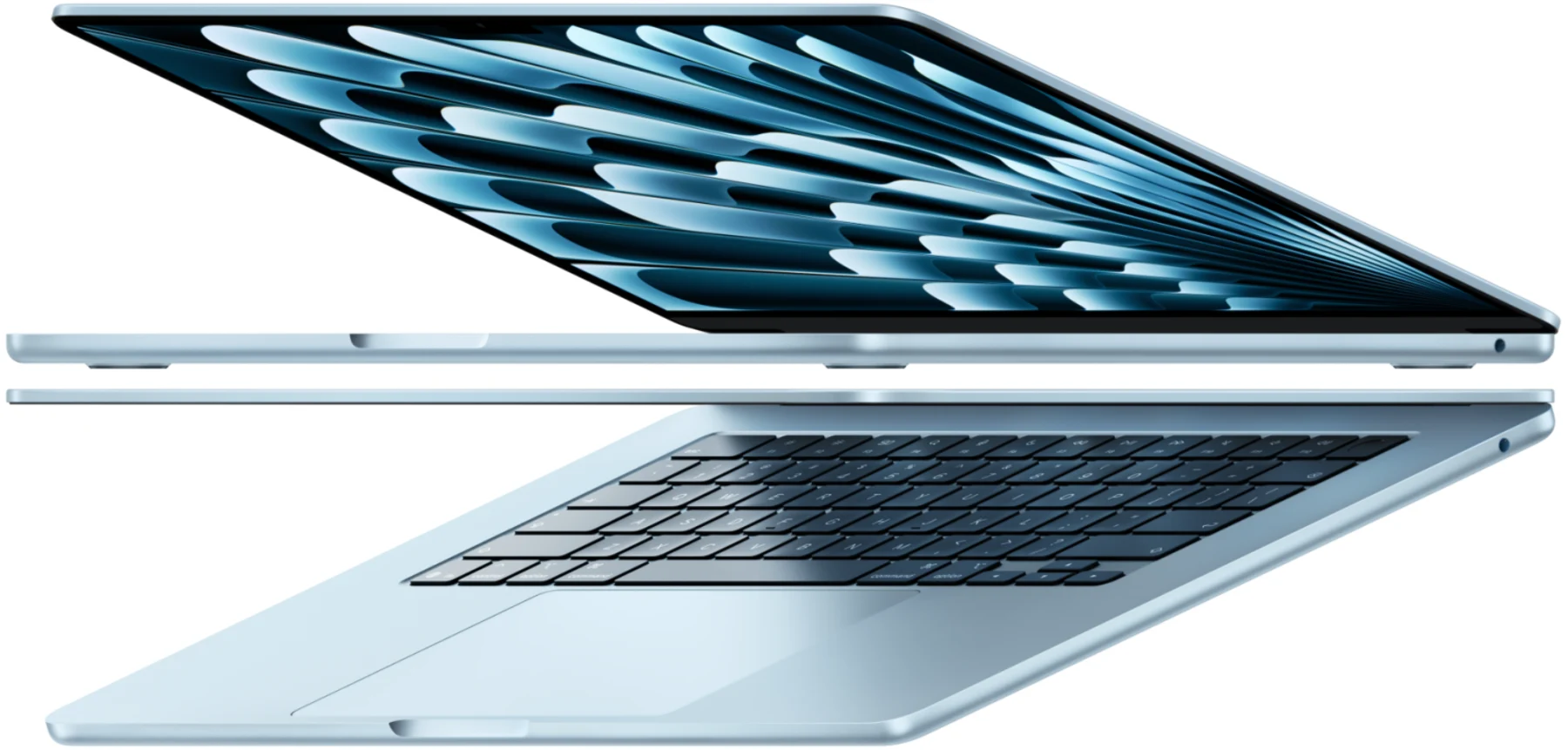
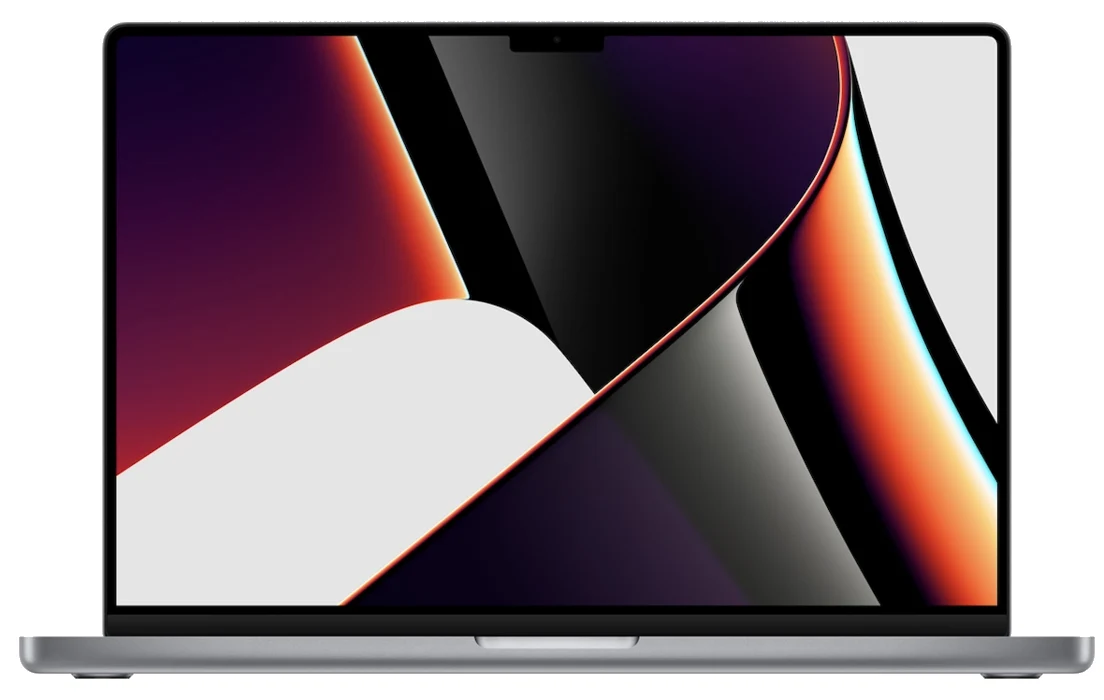
Mac Before You Buy a Mac Right Now, Know the Difference Between Air, Pro, and Specs You Won’t Use The 13-inch M5 Air is lighter. The 14-inch M5 MacBook Pro adds HDMI, an SD card slot, and an XDR display. Which of those will you use?
Mac Need a 64GB Mac? You Do Not Have to Jump Straight to Max The 20-core GPU version of M5 Pro offers 64GB of memory. Needing more capacity does not necessarily mean needing a Max GPU.
Mac Same MacBook Pro Name, Different Docking Needs Base M5 uses Thunderbolt 4; M5 Pro and Max use Thunderbolt 5. Start with the exact chip before choosing a dock.
Used Macs Buying an M1 Max 64GB in 2026 Comes Down to the Discount This is a used-buying question about a 2021 model. A new M5 Pro can also offer 64GB; compare actual price, condition, and coverage.
Used Macs Editing on a 2021 M1 Max? Check What You Plug In The M1 Max media engine and port selection may matter more to photographers and editors than benchmark scores.
Used Macs A Spec Screenshot Won’t Close the Deal What matters in a used Mac transaction is whether the seller can hand it over cleanly, not just what’s inside.
No matching stories. Try a different word.