You buy an adapter marked 4K, connect a 4K monitor, and find that 60Hz is missing from the settings. The product headline may have left out the condition that decides whether that mode is available.
Keep resolution and refresh rate together
Write “3840 × 2160 at 60Hz,” not simply “4K,” in your buying notes. Then identify the computer output, adapter and monitor input. If you need multiple displays, record the full layout rather than treating a single-screen capability as a multi-screen promise.
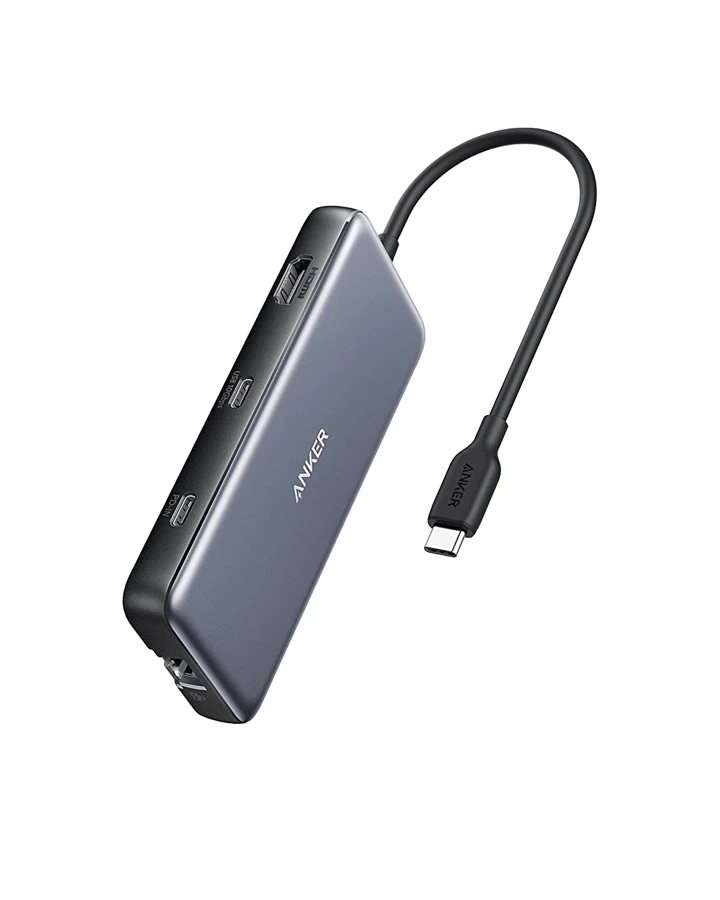
The Anker 555 A8383 manual requires DP 1.4 from the host for 4K at 60Hz; DP 1.2 is limited to 4K at 30Hz. It shows why two people can connect the same hub to different computers and see different available modes.
Check before spending on another adapter
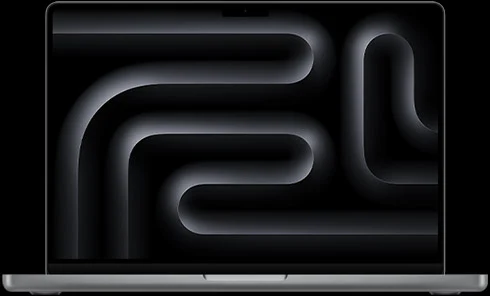
Confirm the laptop port's display capability with its maker. Check that the monitor is on the intended input and that the chosen cable supports the required connection. Follow the manufacturer's troubleshooting steps before assuming the newest accessory is defective.
Apple's display guide explains how to inspect resolution, refresh rate and arrangement in display settings. Save the resulting mode with a note of the hardware path so any support request describes a reproducible setup.
The Anker 555 can be a candidate for a compatible one-display desk. Skip it for a mode or connection that its manual does not support. If your existing hardware already supports the desired mode, a configuration correction can be more useful than a replacement.
We have not measured latency, image quality or gaming performance. This guide resolves the published connection requirement, which is the question to answer before those finer comparisons become relevant.
Mentioned in this story
These links lead to official or retailer pages. We currently earn no affiliate commission from them. Check the destination for regional availability, configuration and pricing.
Anker 555 View at retailer ↗