The price difference between a basic hub and a higher-end dock can be larger than the cost of the peripheral you are trying to connect. Before paying it, name the function you need that the cheaper arrangement cannot provide.
Make the requirement concrete
For a keyboard, mouse and one supported monitor, the purchase may be mostly about convenient reconnecting. For large storage transfers or a particular multi-monitor layout, documented connection capabilities matter more. Those are different buying jobs and need different evidence.
Intel documents Thunderbolt 4's 40Gbps interface. USB-IF's current USB4 overview also covers higher-bandwidth implementations. Do not flatten all USB4 products into one rate or treat an old comparison graphic as a current complete standard map.
A premium cable can be useful for a specific reason
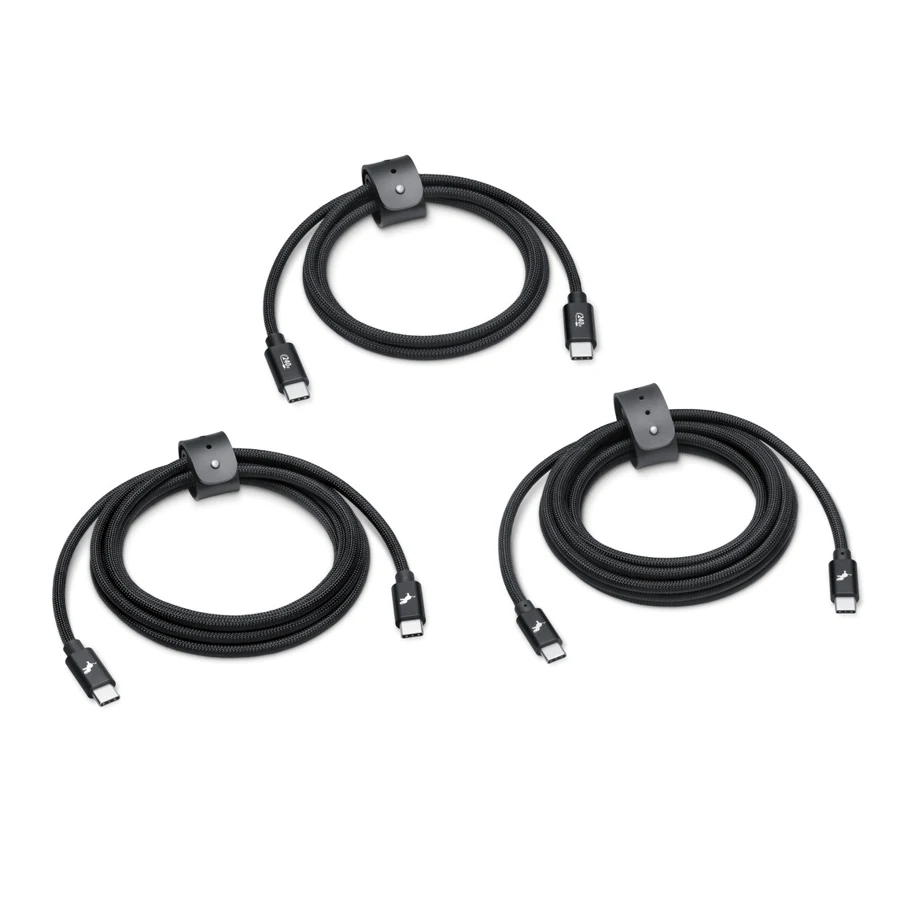
Apple's Thunderbolt 4 Pro Cable documentation describes data up to 40Gbps and support for appropriate display connections. It also distinguishes this from a USB-C charging cable's limited data capability. That is a reason to choose a cable around a data or display job, not a claim that every setup needs the most expensive cable.
Check supported length, power and video requirements for the product you are actually ordering. A better cable cannot create capabilities missing from the host.
Write the monitor modes, storage connection, laptop charging budget and required software on one page. Compare two or three suitable docks against it. A clear fallback mode may matter if you use several computers; find out which features survive that fallback.
If the existing setup already covers the list, keep it. If one missing capability costs you time every day, pay for the documented solution to that problem. That is a firmer justification than the promise of being future-proof.
Mentioned in this story
These links lead to official or retailer pages. We currently earn no affiliate commission from them. Check the destination for regional availability, configuration and pricing.
MacBook Pro View official specifications ↗