The neat one-cable desk can require more equipment than it first appears. A hub advertised with “100W” might need a separate charger and cable while providing less than 100W to the laptop.
Read input and output as different specifications
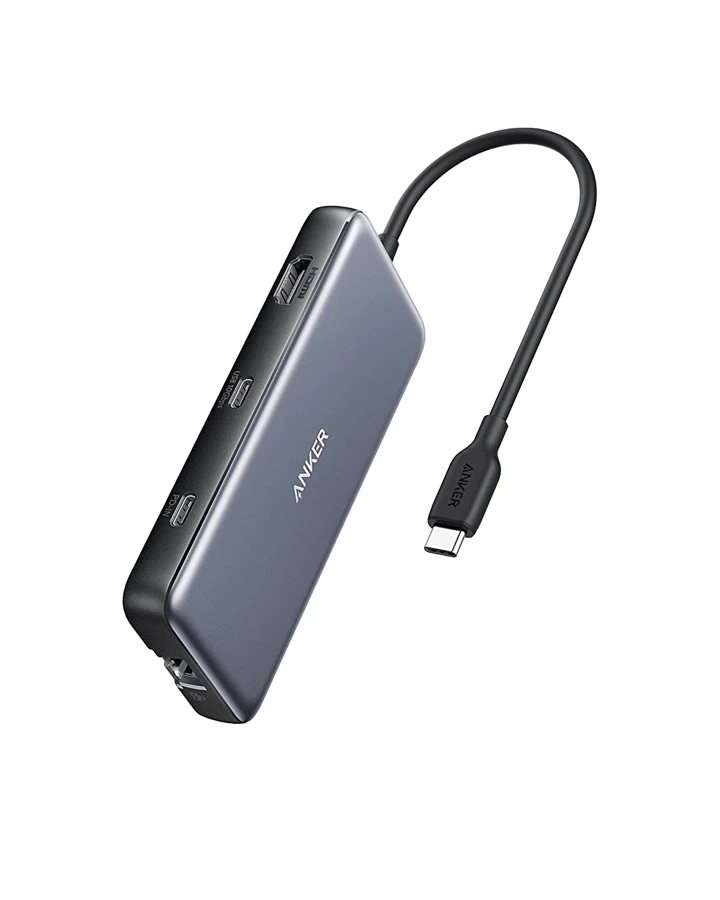
Anker's A8383 manual lists a 100W charging setup for up to 85W of laptop pass-through, with 15W allocated to the hub. Write those values on opposite sides of the connection. Copying the input number into the laptop-output column is the mistake to avoid.
These are manufacturer specifications for this model. Actual charging remains dependent on the supported devices and power negotiation. This split is not a rule that every hub consumes 15W; it is specific to the 555.
A shared wall charger adds another condition
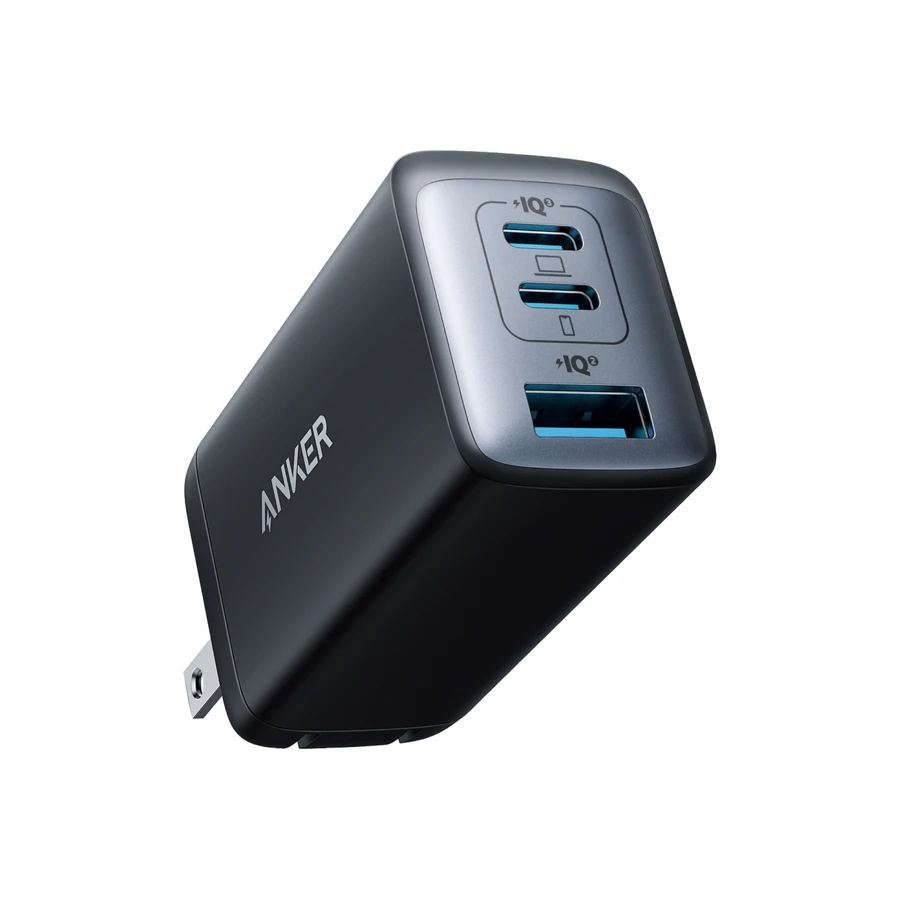
If the wall charger also powers a phone, use its simultaneous-output table before relying on its 100W headline. The hub receives what the upstream connection supplies, not whatever total is printed on the charger.
Do not combine two products' maximum ratings and assume the resulting setup has been tested. Ask for the specific supported combination when the available power is close to your laptop's requirement.
Compare two complete shopping baskets
One basket is the hub, an appropriate wall charger and any required cable. The other is a hub for peripherals plus the laptop's existing charger connected directly. The first may make daily reconnecting tidier; the second may cost less and retain the charging arrangement that already works.
On September 7, 2026, the 555's US page showed $49.99 and states that its wall charger is not included. That is a starting price for the hub, not the complete cost of a powered one-cable desk.
Buy pass-through convenience when it solves a frequent annoyance and the documented output covers your requirement. Keep separate charging when it is already simple enough. There is no prize for reducing the visible cable count while making the charging setup worse.
Mentioned in this story
These links lead to official or retailer pages. We currently earn no affiliate commission from them. Check the destination for regional availability, configuration and pricing.
Anker 555 View at retailer ↗