If you carry your laptop every day and need no more than 32GB of memory, start by considering the M5 MacBook Air. An XDR display, refresh rates up to 120Hz, or frequent SD card use may still make the 14-inch MacBook Pro with M5 worth comparing.
Weight and ports are what you feel immediately when carrying it daily
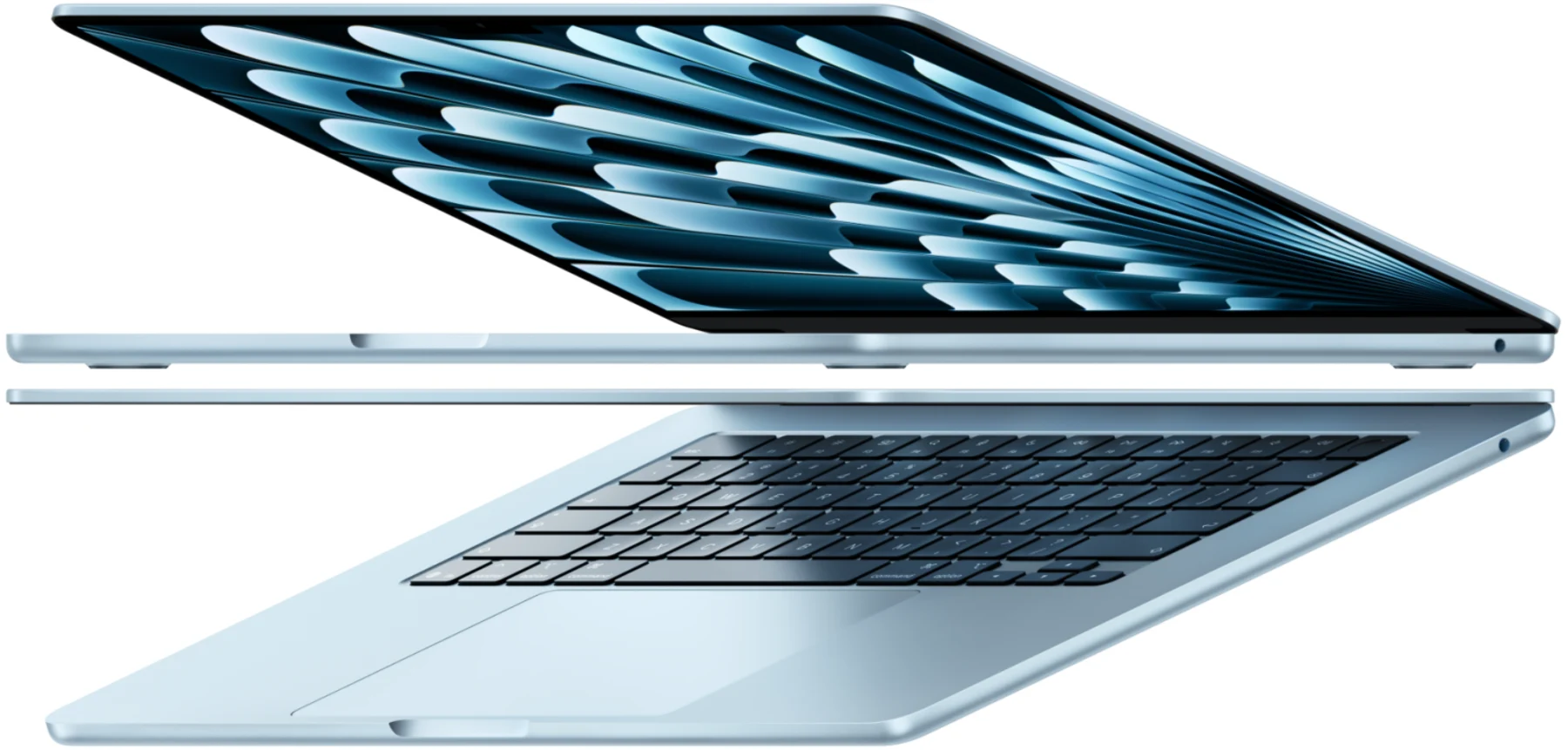
The 13-inch M5 Air weighs 1.23 kg. The 14-inch MacBook Pro with M5 weighs 1.55 kg. A 320-gram difference doesn’t jump out inside a backpack, but it becomes noticeable when picking the laptop up with one hand, shifting it on a café table, or sliding it into a suitcase side pocket. The Air uses a 13.6-inch display, has no fan, and offers two Thunderbolt 4 ports plus MagSafe 3 and a headphone jack. There’s no HDMI or SDXC card reader. For people who rely on cloud storage, occasionally plug in a portable monitor, or use a USB drive now and then, this port setup is sufficient. Apple’s official specs state the M5 Air supports up to two external displays with the built-in screen active simultaneously; exact resolution and refresh rate combinations should be checked on Apple’s site, and you can’t assume any dock will deliver the same number of displays.
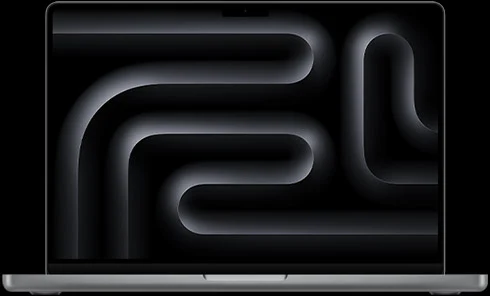
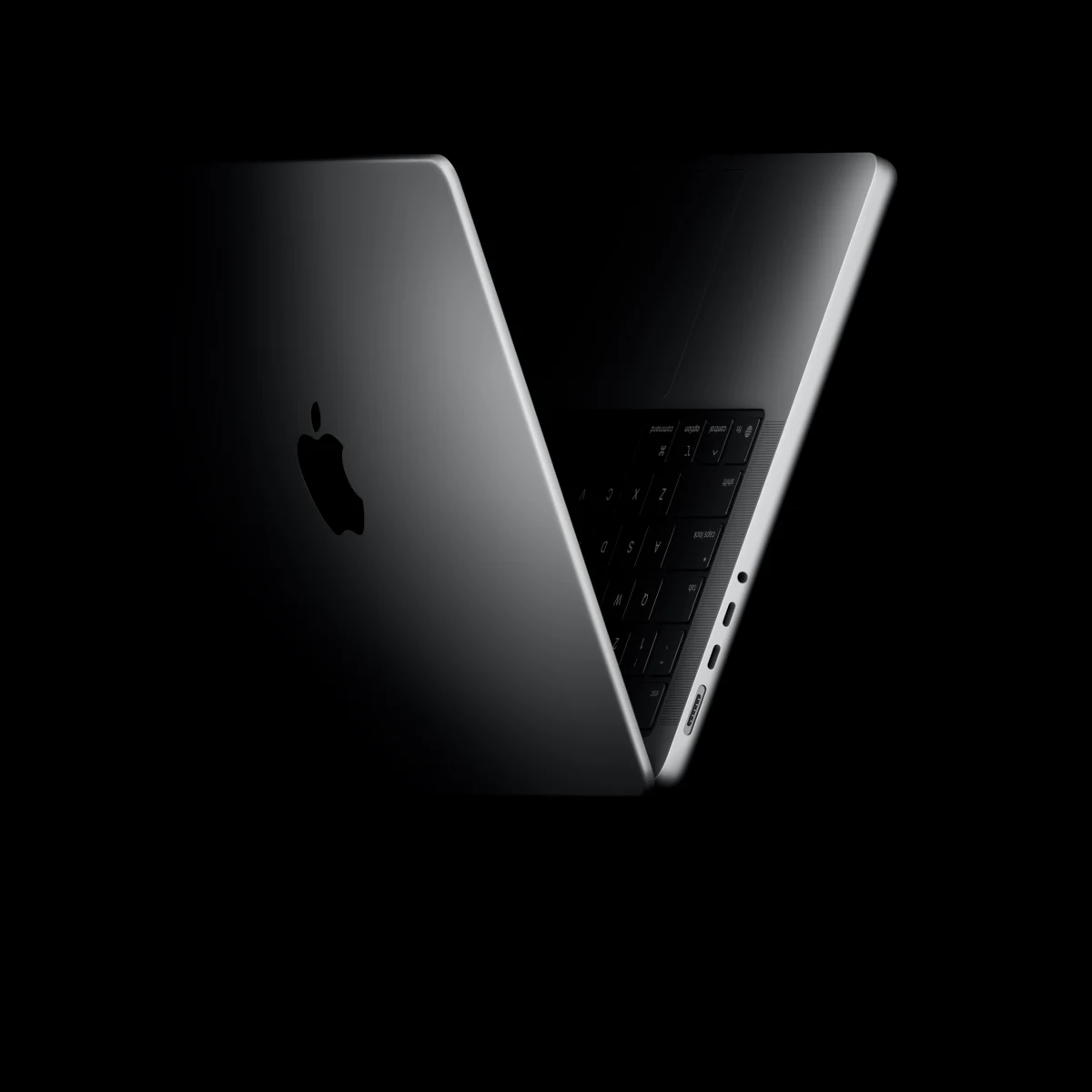
The 14-inch MacBook Pro with M5 has three Thunderbolt 4 ports, plus HDMI, an SDXC card reader, and MagSafe 3. The SDXC slot is a genuine convenience for photographers and video editors, allowing direct media import without a dongle. The HDMI port is equally handy when connecting to a conference room projector or hotel TV. If you use either of these ports at least once a week, the Pro’s extra weight comes with a functional return.
Memory and chip choices: don’t pay upfront for specs you won’t use
The M5 Air starts at 16GB and can be configured with 24GB or 32GB. The 14-inch MacBook Pro with M5 also starts at 16GB, maxing out at 32GB, with three Thunderbolt 4 ports at up to 40 Gbps. The M5 Pro chip offers 24GB and 48GB options, with the 20-core GPU version reaching 64GB. M5 Pro models also have Thunderbolt 5 ports.
The purchase decision ultimately comes down to the complete package, not just a chip. The 13-inch Air starts at 16GB/512GB, and the 14-inch MacBook Pro with M5 starts at 16GB/1TB. The price gap between these two entry configurations buys you a 14.2-inch XDR ProMotion display, more ports, and active cooling. If you carry your laptop daily, don’t connect more than two external displays, and don’t need more than 32GB of memory, consider the Air first, but if you require a 120Hz XDR display, you may still need the Pro. It comes down to the devices and displays you need to connect, and your actual workflow.
Mentioned in this story
These links lead to official or retailer pages. We currently earn no affiliate commission from them. Check the destination for regional availability, configuration and pricing.
MacBook Air View official specifications ↗MacBook Pro View official specifications ↗