In this story
Before you trade up to an iPhone 18 Pro, I’d suggest opening your photo library and finding a few shots you genuinely wanted to get right—but didn’t.
Someone too small in the distance. One face in the group that’s just not sharp. A moment of motion you meant to catch, and missed. These disappointments all look like “bad photos,” but they don’t all need the same fix. A variable aperture is tempting, but you can’t let a new term take responsibility for every old photo.
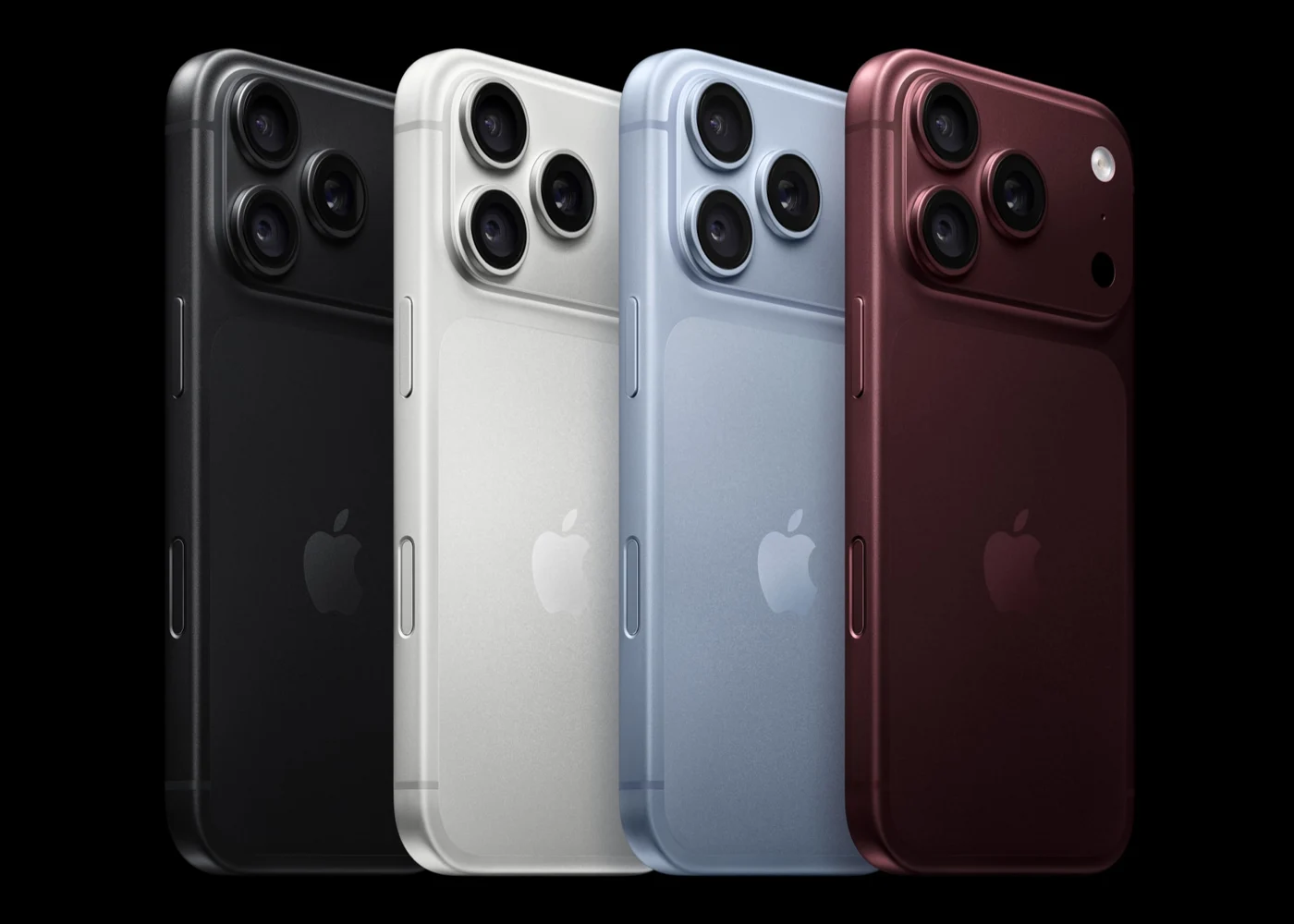
This piece is based on materials confirmed as of September 10. The 18 Pro and Pro Max were announced on September 9. Pre-orders open at 5:00 a.m. Pacific Time on September 12 in the U.S., with availability starting September 18. U.S. pricing starts at $1,199 and $1,299 respectively, both with 256GB base storage and up to 2TB. The initial launch list includes China, but those dollar figures are not local pricing. [1]
My approach is simple: figure out what you want to improve first, then see whether the new phone offers a tool worth trying. Walking into a store with that question will get you a more useful answer than standing at the counter asking, “Is this generation a big jump?”
What went wrong in the photo matters more than four aperture stops
The 18 Pro’s main camera offers four aperture stops: f/1.48, f/1.8, f/2.8, and f/4.0. Apple describes a six-blade design that adjusts automatically and can also be selected manually in the native camera app. New Pro controls also provide shutter speed, white balance, and a histogram. [1][2]
This change already has hands-on context. Allison Johnson and Jay Peters of The Verge noted the automatic and four-stop manual aperture selection, along with the new native shooting controls, in their hands-on article. [4] So this isn’t just a future promise from a keynote. But seeing an option in person and confirming it can improve your specific photo are still separated by an actual comparison.
If you’ve always wanted to decide how an image renders, the fact that the native camera now surfaces these controls is worth attention. Try shooting the same scene on auto first, then with different apertures, and see how the subject, background, and the details you care about change. Don’t just judge by how striking it looks on the phone screen in the moment—save the images and compare them at the sizes you actually use.
If your frustration is a moving person who didn’t come out sharp, don’t automatically assign the blame to “the old phone’s aperture wasn’t wide enough.” Light, motion, and how you shot all play a role. The new shutter control is worth understanding, but it can’t promise that every animal and child will now be blur-free. A spec gives you an entry point, not a remote diagnosis.
By the same logic, you can’t write “f/4.0 makes every group shot sharp” or “f/1.48 out-blurs every previous iPhone.” We don’t have same-condition comparison shots to back up those claims. A more useful approach is to bring that one photo you weren’t happy with, know which part you want to see improve, and not just swipe through every camera menu item before walking away remembering only the body color.
There’s an objection worth taking seriously: I just want to point and shoot—am I not supposed to buy this if I can’t adjust settings? Of course not. The variable aperture also works automatically, and new hardware may bring changes to auto shooting. Ordinary users don’t need to earn a photography license first. [1][4] The question is simply whether the automatic results show an improvement you care about. That should be answered by results, not by “newer must be better.”
If you want to reach farther, don’t read 8x as an eight-times standalone lens
The 18 Pro has a 48MP dedicated telephoto: 100mm, 4x, f/2.8. The spec sheet also lists a 200mm, 12MP, 8x “optical-quality” telephoto, along with up to 40x digital zoom. [2]
These terms need to be kept separate. The dedicated 4x lens and the 8x optical-quality are not the same thing. You can’t write that there’s an extra standalone 8x lens, and you can’t casually describe the whole zoom range as continuous optical zoom. What the actual image quality looks like at intermediate steps depends on shooting results—this article won’t guess at internal switching or compositing algorithms.
For people who regularly shoot stage performances or travel details, a long lens is a very concrete reason to buy. When you can try it, compare 4x and 8x on the same distant subject, then check whether the exported image meets your needs. Whether a photo only lives on a phone screen, or needs to be cropped, printed, or delivered, changes the requirements. 40x can magnify the frame to that point; that doesn’t mean the detail arrives fully intact alongside it.
I’m also not willing to write “image quality is guaranteed” just because there’s a dedicated lens. If your current phone is already sufficient at the distances you use, this new spec may look impressive without solving a problem that’s actually bothering you. You can buy the phone for other reasons—you don’t need to hastily assign yourself a telephoto need.
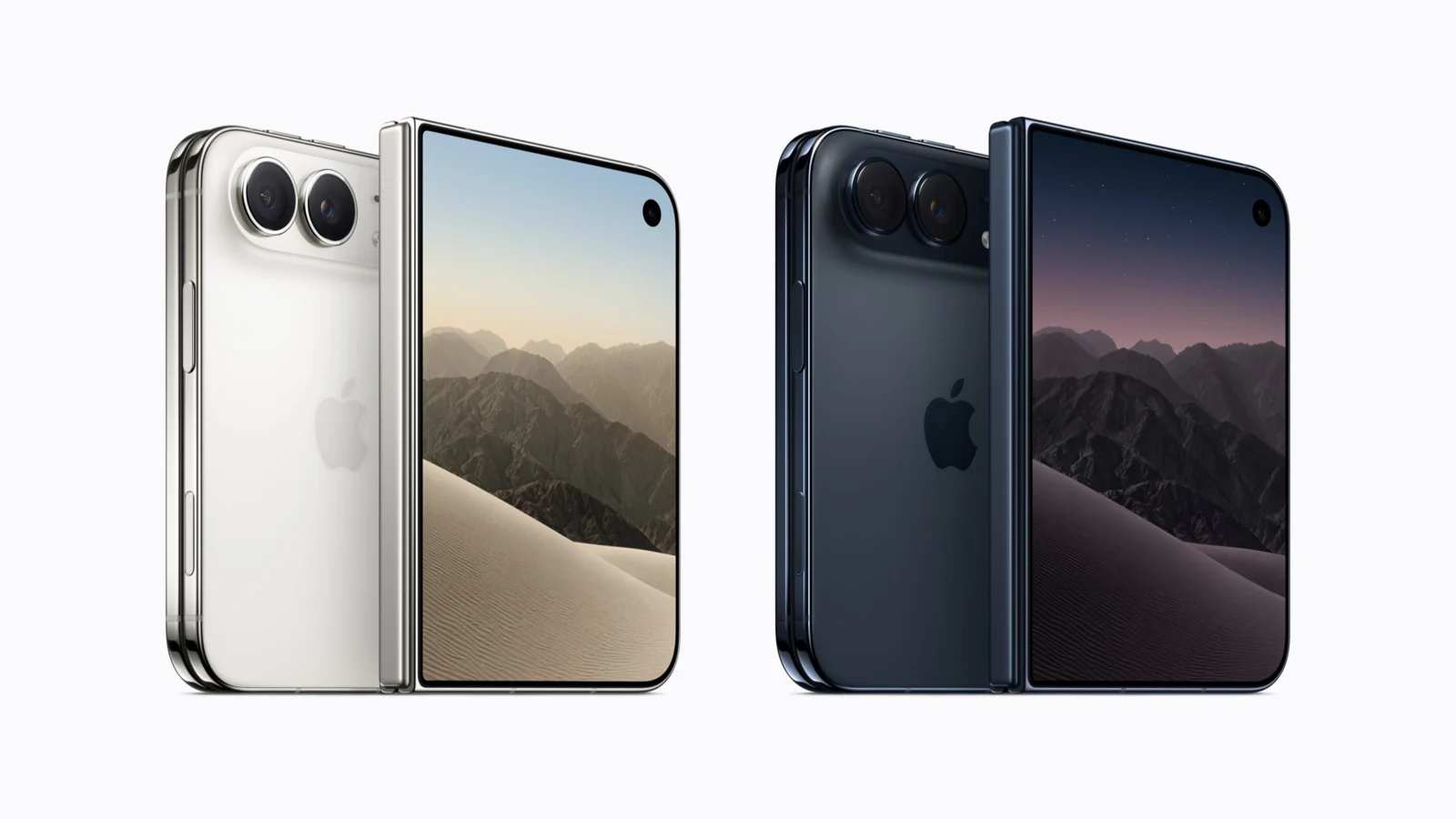
The Duo, announced at the same time, is more expensive—starting at $1,999 in the U.S.—but uses a 48MP main camera with an ultra-wide, no dedicated telephoto, and a fixed f/1.6 main lens. [3][5] Its strengths lie in the folding form and dual-screen use. If this upgrade is mainly about shooting control and distant composition, you should put lens trade-offs ahead of form-factor novelty. If neither need applies, keeping your current phone is a perfectly valid choice.
The professional video math involves more than just the phone
The 18 Pro’s main camera lists 4K Dolby Vision at up to 120 fps, but you can’t extend that to every lens. ProRes at up to 4K120 comes with an external recording requirement. The front 18MP camera’s ProRes at up to 4K60 also requires external recording. ProRes RAW and Genlock have additional app or accessory requirements. [2]
For people who actually do video work, these may be important upgrades. For people who just want the “most complete” feature list, these are also the features that most demand you ask about use first. What format do you ultimately need to deliver? How does your current software ingest it? Are your external storage and cables suitable? If you can answer those questions, then look at the price—that’s how you calculate a complete solution. USB 3 at up to 10Gbps is only the interface ceiling; it doesn’t directly translate to the actual transfer speed of any given file.
If your daily use is recording gatherings, you don’t need to give yourself a professional workflow just for the formats. Family videos that are well saved and easy to share are already a very concrete value. No rule says that if you buy the Pro, you have to run every birthday recording through a professional post pipeline to prove the money was spent with sophistication.
Apple Reference Image is also worth knowing about, but don’t let the word “authenticity” carry you away. Per Apple’s description, the main camera’s Reference mode records signed sensor data, which is processed through Private Cloud Compute to generate an unalterable reference image that can be viewed alongside the main photo. [1] It provides visual comparison material; it cannot independently prove news context, shooting location, or that nothing was staged in front of the lens. SynthID support is still listed as upcoming, so you also can’t say the full capability is broadly available.
For most buyers, this feature is worth noting but doesn’t need to be forced into a daily-use upgrade reason. For work that requires image provenance, you should continue to verify whether the output, review, and collaboration tools fit your actual workflow.
If I were actually buying, I’d look at these things after the cameras
The 18 Pro is 6.3 inches and 211 grams; the Pro Max is 6.9 inches and 249 grams. Both are 8.75 mm thick. The Max’s extra 38 grams comes from subtracting the two weights. Whether you want to carry that every day is something you have to test yourself. [2] Don’t just try your favorite photo grip—try replying to messages, pulling it out, and putting it in a pocket. The phone has a lot of daily work that doesn’t appear in a keynote.
Battery life follows the same logic. Apple lists up to 36 hours of video playback for the Pro and up to 45 hours for the Pro Max, while typical use is up to 24 and 30 hours respectively. [2] These are different test criteria—you can’t take the 45-hour figure and promise yourself two days of use. The wired charging figure of roughly 15 minutes to 50% also requires a 60W or higher adapter with AVS support and a suitable cable. Seeing “60W” printed on an old charger doesn’t mean the full set of conditions is met.
The A20 Pro and new thermal design offer a new performance direction, but a manufacturer’s maximum improvement percentage doesn’t mean every app will speed up by the same margin. Siri AI also can’t be counted as fully delivered in advance: the official schedule starts with an English beta rolling out in phases, and Apple Intelligence supporting Chinese is not the same thing as Siri AI’s Chinese capabilities being simultaneously available. [1]
So I wouldn’t give a blanket upgrade recommendation based on “which generation you’re on.” If a current shooting problem is genuinely holding you back, and the new phone offers a corresponding tool, you can go try it with that problem in mind. If you’re just drawn in by the new aperture but can’t yet articulate what you want to improve, you can wait for same-condition comparisons. If your budget is ample and you simply like new things, you can also just say you like it—no need to disguise it as a work requirement.
The disappointing photos in your library know you better than every percentage point in a keynote. Let them tell you what to test, then decide whether to switch. Don’t let the payment complete first and the need show up the next day.
Mentioned in this story
These links lead to official or retailer pages. We currently earn no affiliate commission from them. Check the destination for regional availability, configuration and pricing.
iPhone 18 Pro View official specifications ↗